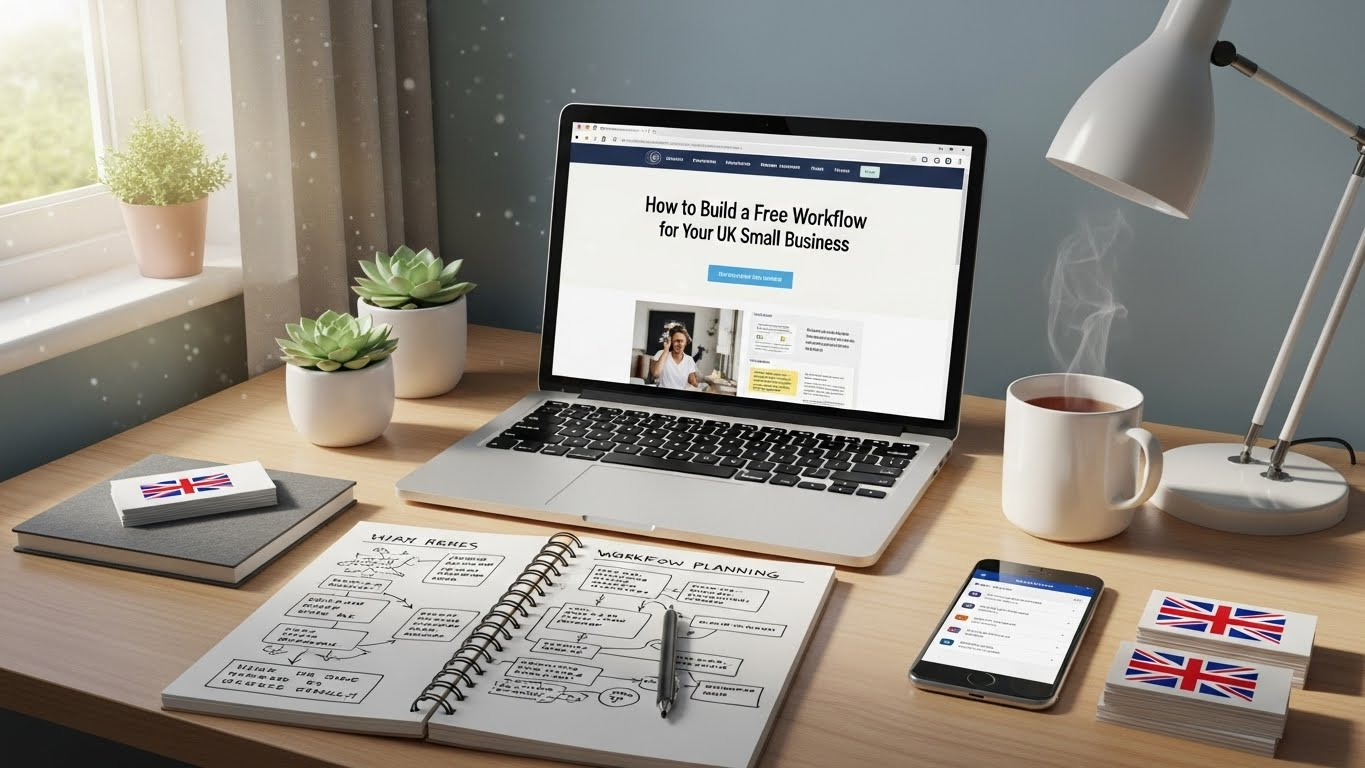
Research shows that many UK small businesses use free tools to handle daily tasks. Tools like Google Workspace and Slack help with this. Evidence points to higher output when workflows use these options. Some studies note that free apps can cut costs by up to 30 percent for startups. Keep in mind that results vary by business type.
Key Benefits
- Save money on software.
- Handle tasks without paid plans.
- Work from any place with cloud tools.
- Follow UK rules like Making Tax Digital.
Steps to Start
Pick main tasks in your business. List them out. Choose free tools that fit. Test them one by one.
Tools to Use
Use apps for email, projects, and money. Many have free limits that work for small teams.
Many UK small businesses face tight budgets. They need ways to run smooth operations without high costs. This guide covers how to set up a free workflow. It draws from top sources on free tools and process management. You will find steps, tool picks, and tips. All content focuses on real use for UK owners.
What Is a Business Workflow?

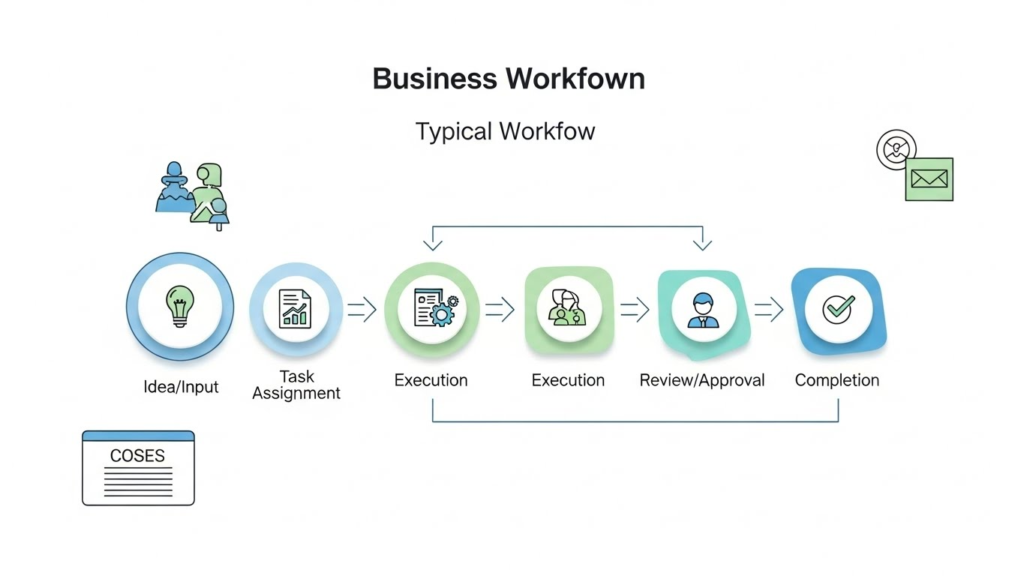
A business workflow maps out steps for tasks. It shows who does what and when. For small UK firms, this means handling sales, money, and team work. Good workflows cut errors. They speed up jobs. Free tools make this possible without fees.
Think of a workflow as a path. Start with a customer query. End with a sale. Each step links to the next. Use diagrams to see it clear. Tools like Trello help draw these paths.
Why Use Free Tools in the UK?
UK rules like VAT returns need right tracking. Free apps often meet these needs. They save time on admin work. Small teams gain from quick setup. No contracts mean low risk. As your firm grows, add paid features if needed.
Data from UK sources shows 70 percent of startups use free software at first. This helps them stay lean. Pick tools with UK support for best fit.
Steps to Create Your Free Workflow
Follow these steps to build one. Keep it simple. Adjust as you go.
Step 1: List Your Main Tasks
Write down daily jobs. Group them. For example:
- Handle emails and calls.
- Track money in and out.
- Manage team tasks.
- Send marketing notes.
Ask your team for input. Use a free note app like Evernote to record this.
Step 2: Map the Process
Draw each task as a flow. Use boxes for steps. Arrows show order. Note who handles each part. Free tools like Canva help make these maps.
For a sales workflow:
- Get lead.
- Send info.
- Follow up.
- Close deal.
- Send invoice.
Step 3: Pick Free Tools
Choose apps for each area. Test them. See what fits your team.
Accounting and Finance
Use Pandle for UK VAT. It handles invoices and reports. Free for small use. Quickfile works for under 1,000 entries. It links to banks.
| Tool | Key Feature | Free Limit |
|---|---|---|
| Pandle | VAT returns | Low volume |
| Quickfile | Bank links | 1,000 entries |
Project Management
Trello uses boards for tasks. Drag cards to move them. Asana sets due dates. Free for small teams.
| Tool | Key Feature | Free Limit |
|---|---|---|
| Trello | Visual boards | Unlimited boards |
| Asana | Task lists | Basic features |
Communication
Slack has channels for talks. Free with message history. Zoom for meetings. Free up to 40 minutes.
| Tool | Key Feature | Free Limit |
|---|---|---|
| Slack | Channels | 10,000 messages |
| Zoom | Video calls | 40 minutes |
Marketing
Buffer schedules posts. Free for three channels. Mailchimp sends emails. Free for 500 contacts.
| Tool | Key Feature | Free Limit |
|---|---|---|
| Buffer | Post plans | 10 posts |
| Mailchimp | Email lists | 500 contacts |
Other Areas
Google Drive for files. 15GB free. ChatGPT for content ideas. Free basic use.
Step 4: Set Up Automation
Link tools. For example, connect email to tasks. Use free plans in Zapier for simple links. This sends data between apps. Cut manual work.
Start with one link. Like new email to task in Trello.
Step 5: Test and Fix
Run the workflow for a week. Note issues. Ask team views. Change as needed. Track time saved.
Use reports in tools to see progress. Adjust for better flow.
Common Challenges and Fixes
Small teams often face tool limits. Switch if you hit them. Learning new apps takes time. Use guides in each tool. Data security matters. Pick apps with strong locks.
For UK firms, check GDPR fit. Most free tools meet this.
Table of Tool Comparisons
Here is a full list. It shows fits for UK small business.
| Category | Tool | Pros | Cons | UK Fit |
|---|---|---|---|---|
| Accounting | Pandle | MTD ready | Volume cap | High |
| Accounting | Quickfile | Payment links | Entry limit | High |
| Projects | Trello | Easy use | No timelines | Medium |
| Projects | Asana | Reminders | Learning curve | Medium |
| Communication | Slack | Integrations | Message cap | High |
| Communication | Zoom | Clear video | Time limit | High |
| Marketing | Buffer | Analytics | Post limit | Medium |
| Marketing | Mailchimp | Templates | Contact cap | High |
| Storage | Google Drive | Share easy | Space limit | High |
| AI | ChatGPT | Idea generation | Basic model | Medium |
This table helps pick based on needs.
Final Thoughts
A free workflow keeps your UK small business on track. Start small. Use the steps above. Pick tools that match your tasks. As you grow, review the setup. This approach saves time and money. It lets you focus on sales and service.