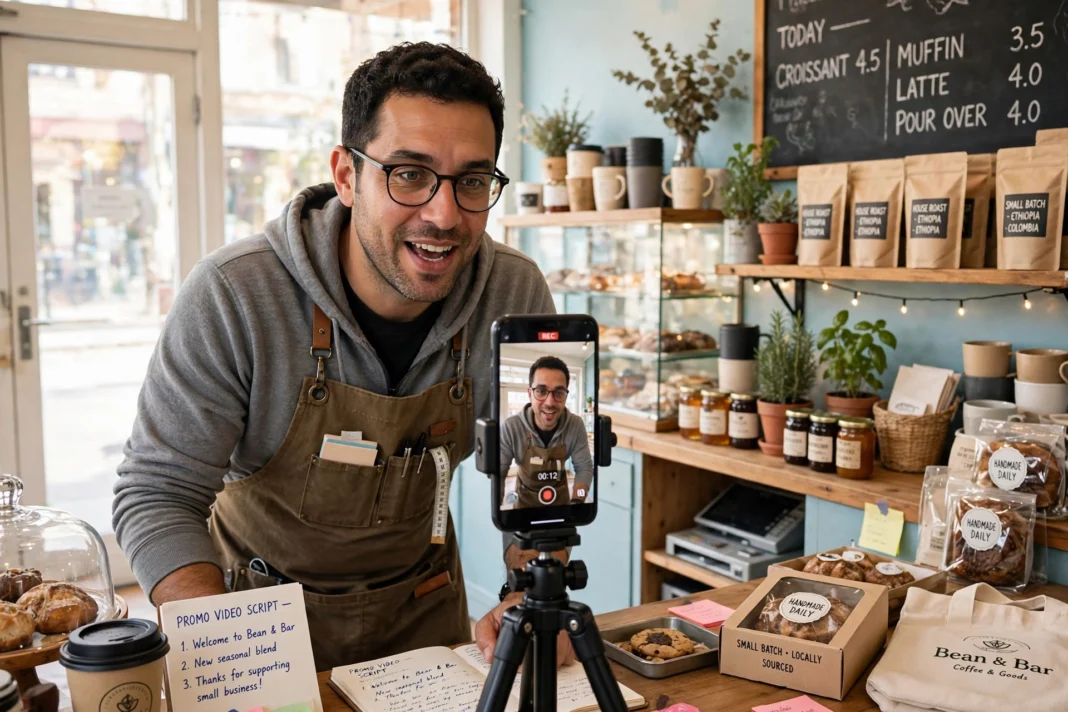

Promotional videos with AI are now within reach of any UK small business. You no longer need a camera crew, a studio, or editing skills to make a video that sells. With the right tools, a clear script, and an afternoon of work, you can produce a professional-looking promo video for your website, social media, or ads.
Plan before you prompt
Every good promotional video starts with a plan, not a tool. Before you open any AI software, answer four questions.
First, what is the video for? A product launch, a special offer, a brand introduction, and a customer testimonial are different videos, and each needs a different script.
Second, who is watching? A video for busy parents on Facebook is different from a video for business owners on LinkedIn. Write for one audience, not everyone.
Third, what should the viewer do next? Visit your website, book a call, buy a product, or follow your page. One clear call to action beats three vague ones.
Fourth, where will it be published? A video for TikTok should be vertical and under a minute. A video for your website can be horizontal and two minutes long. The platform decides the format, so decide the platform first.
Write the answers down before you start. A one-page plan saves hours of rework later.
Choose your tools
You need three kinds of tool: one to generate the video, one to write and voice the script, and one to edit the result.
For generating video, the options depend on your job. If you want to turn a script into a finished video with stock footage and captions, Pictory and InVideo are the quickest choices. If you want a presenter speaking to camera without filming, Synthesia and HeyGen are the strongest. The guide to the best AI video generator for UK small business compares the leading tools in detail, including prices.
For writing and voicing the script, ChatGPT or Claude can draft the script, and tools like ElevenLabs can generate a natural-sounding voiceover in a British accent. A real voice is still better for a brand video, but an AI voice is fine for a first version or a social clip.
For editing, Descript and CapCut are the easiest options. Descript lets you edit video by editing the text transcript, which feels natural if you are not an editor. CapCut is free, runs on your phone, and has templates built for social media.
You do not need to pay for all of these at once. Most offer free plans, and a first promotional video can be made for nothing.
Write a script that sells
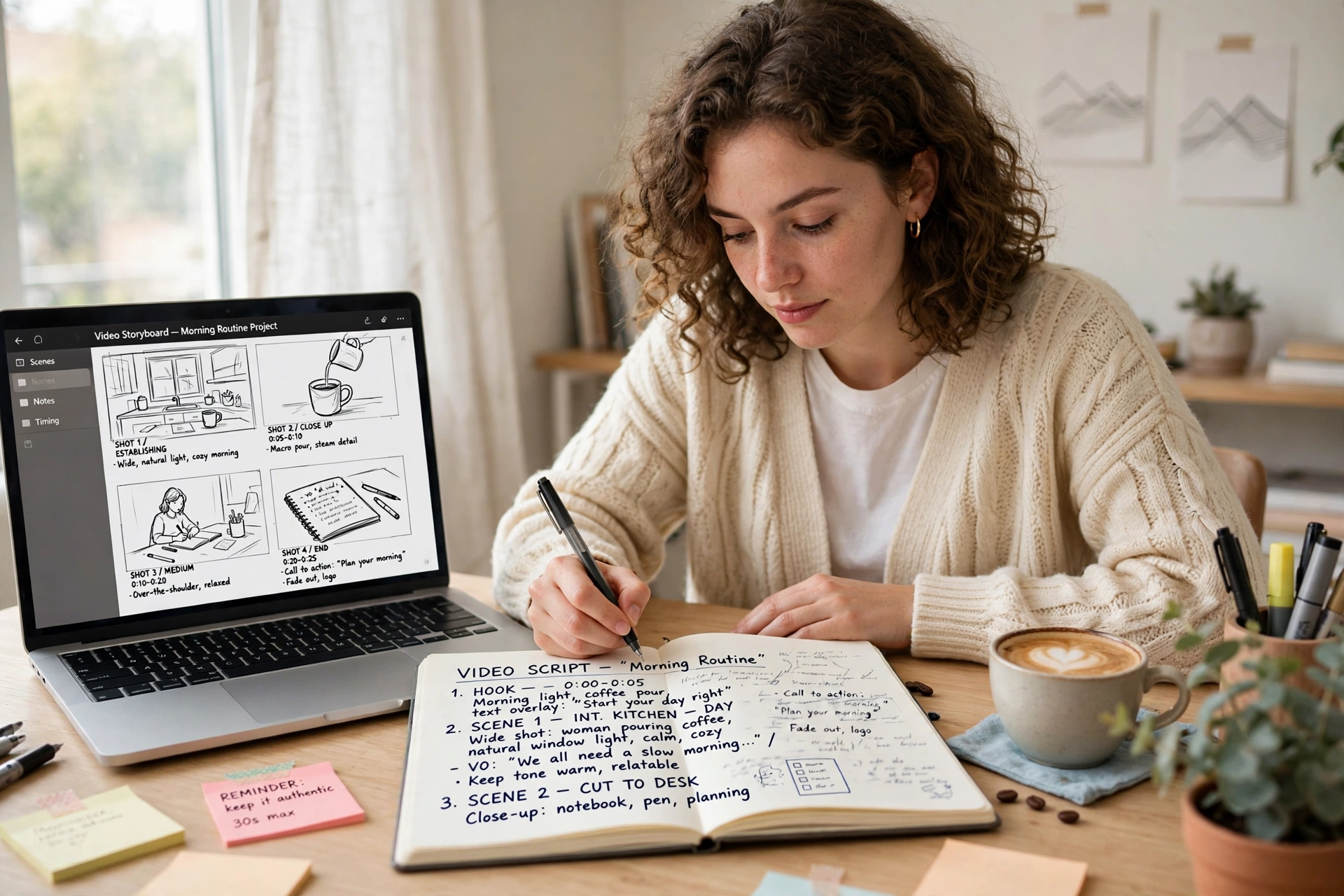
A promotional video script has a simple structure: hook, problem, solution, proof, call to action.
The hook is the first five seconds. Say the most interesting thing first, because most viewers decide whether to keep watching in that window. “We make handmade soap in Yorkshire” is a weak hook. “Your skin is itching because your soap is full of chemicals” is a strong one.
The problem is the pain your customer feels. Describe it in their words, not yours. The solution is your product or service, explained in one or two sentences. The proof is a result, a review, or a number: a customer quote, a star rating, or a before-and-after.
The call to action tells the viewer exactly what to do: visit the website, book a free consultation, or use a discount code. Keep it to one action.
Keep the whole script under 150 words for a one-minute video. Read it out loud before you generate anything. If it sounds awkward spoken, it will sound awkward in the video.
Generate the footage
Once the script is ready, generate the video. The exact steps depend on the tool, but the pattern is the same.
Start with the script. Paste it into the tool, choose a template that matches your brand colours, and let the AI build a first version. Then watch it end to end before changing anything. The first version is rarely right, but it shows you what needs fixing.
Fix the biggest problem first: the wrong image, a mispronounced word, or a caption error. AI video tools make mistakes, and the most common ones are misspelled text, strange hands, and footage that does not match the words. Check every scene, especially any text on screen.
Keep the video short. A promotional video for social media should be 30 to 60 seconds. A website video can run to two minutes. Anything longer needs a very good reason, because attention drops fast.
For images in your video, the same rules apply as for AI images generally: use Midjourney for striking visuals and DALL-E 3 when the image needs to show something specific or include text. The comparison of Midjourney vs DALL-E 3 for UK business marketing explains which tool suits which job.
Edit and polish
Editing is where a decent AI video becomes a good one. Add captions, because most social video is watched without sound. Check that the captions are correct — AI transcription makes mistakes with names, places, and product terms.
Add your logo at the start or the end, and use your brand colours for captions and lower thirds. A consistent look across videos builds recognition over time.
Add quiet background music that supports the voiceover rather than competing with it. Most AI video tools include a music library, and royalty-free tracks avoid copyright problems.
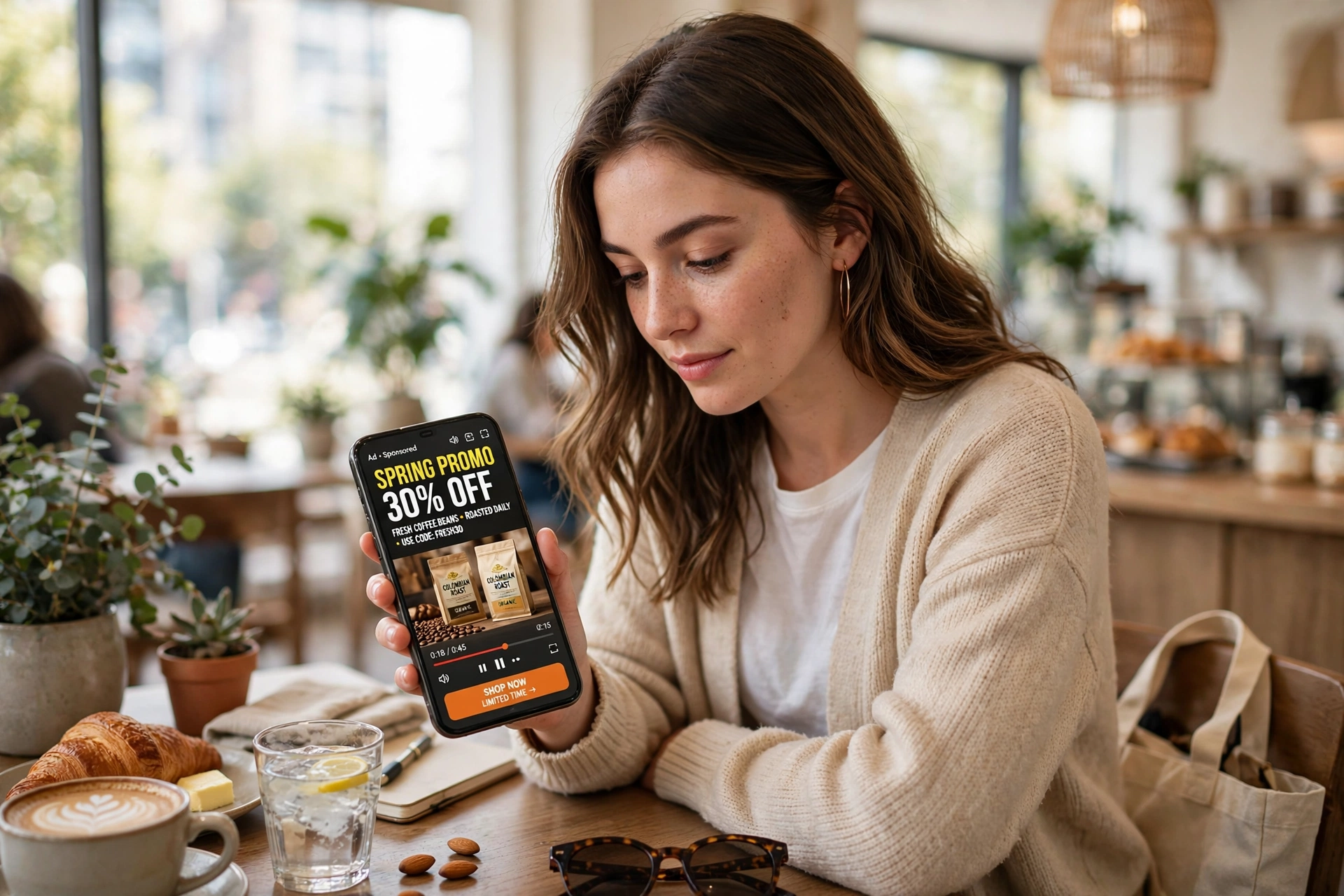
Check the video on a phone before publishing. That is where most customers will watch it, and problems that are invisible on a laptop — tiny text, a dark scene, a slow start — become obvious on a small screen.
Publish where your customers are
A promotional video only works if people see it. Publish it where your customers already spend time.
For TikTok and Instagram Reels, post the vertical version with captions, and publish when your audience is online. The guide to TikTok marketing tips for UK small businesses explains what works on that platform, including the best video length and how to use trends.
For YouTube, upload the horizontal version with a clear title and description, and add chapters if the video is longer than a minute. For your website, put the video near the top of the relevant page, not buried at the bottom.
For ads, start with a small budget and test two versions: a different opening line, or a different call to action. The guide to Google Ads for UK small businesses covers video ads on YouTube, often the cheapest way to reach new customers with video.
Repurpose the video everywhere it fits: cut a 15-second version for stories, use a still frame as a social post, and add the video to your email signature or newsletter. One video, used well, can fill a week of content. The guide to content marketing ideas for UK small businesses shows how video fits alongside blogs and social posts.
What a promotional video costs
A promotional video made with AI costs far less than a filmed one. A professional video shoot in the UK typically costs £500 to £2,000 for a day, before editing. An AI video costs the price of a monthly subscription — roughly £10 to £25 a month — plus your time.
The honest cost is your time. A first video takes three to four hours, including learning the tool. A second video takes half that, and by the fifth you can produce a short promo in under an hour.
Common mistakes
The first mistake is starting with the tool instead of the plan. A beautiful video with no clear message does not sell anything. Write the script first.
The second mistake is making the video too long. Customers stop watching after a minute. Say one thing well, then stop.
The third mistake is publishing without checking. AI tools make errors: misspelled words, wrong images, a voiceover that mispronounces your product name. Watch the whole video, on a phone, before it goes live.
The fourth mistake is forgetting the human step. AI video supports your marketing, but it does not replace a clear offer or a real customer story. A genuine testimonial from a happy customer, filmed on a phone, often outperforms a polished AI video. Mix the two: AI for speed, real footage for trust.
Frequently asked questions
Do I need filming equipment to make a promotional video with AI?
No. AI video tools generate the footage from a script or a prompt. A smartphone is useful for filming real clips to mix in, but it is not required.
How long does it take to make a promotional video with AI?
A first video takes three to four hours, including learning the tool. Once you know the workflow, a short social clip takes under an hour.
Can I use AI-generated video in paid ads?
Yes, on a paid plan, most tools include commercial use rights. Read the current terms before a large campaign, and avoid generating video that copies a known brand or a real person without permission.
Will customers know the video is AI-generated?
Often, yes, especially with avatar presenters. That is not a problem if the video is useful and honest. Do not use AI video to pretend a real person said something they did not.
Promotional videos with AI are a practical tool for a UK small business, not a gimmick. Plan the message, write a short script, pick one tool, make one video this week, and learn from how it performs. The second video will be better than the first, and the tenth will be better still.