


A small business cyber security checklist is a short, ordered list of actions that protect your accounts, devices, data and staff from common attacks. For most UK firms, four jobs matter most: turn on 2-step verification, use unique passwords, install updates and keep an offline backup. Together they take about an hour and cost nothing.
Last reviewed: October 2026. This checklist follows the NCSC’s small organisations guide and the current Cyber Essentials rules.
The 12 steps at a glance
- Turn on 2-step verification (and passkeys where offered)
- Use a password manager and never reuse passwords
- Switch on automatic updates and retire unsupported software
- Back up your data, keep one copy offline, test a restore
- Separate admin and everyday accounts, and remove old ones
- Protect your devices and Wi-Fi
- Lock down your email
- Train staff and set a payment-change rule
- Write a one-page incident plan
- Check suppliers, cloud apps and AI tools
- Check what your cyber insurance requires
- Work towards Cyber Essentials
You don’t need an IT team. A sole trader can finish most of this in a weekend. A firm of 10 to 49 people should split the jobs between the owner and whoever looks after IT, then set a date to review them.
Why small businesses are targeted
Small businesses are attacked about as often as larger ones. The 2025/26 Cyber Security Breaches Survey found 43% of UK businesses had a breach or attack in the past 12 months. Micro businesses reported 42% and small businesses 46%. Medium firms reported 65% and large firms 69%. Phishing was the most common type, at 38%.
The NCSC says the UK has 5.5 million small organisations and that 1 in 2 small businesses has a cyber incident every year. It also points to the M&S and Jaguar Land Rover attacks to make a simple point: being small does not make you invisible.
The survey only counts incidents that firms detected. The real figure is probably higher.
The small business cyber security checklist: 12 steps
Do today (about an hour, free)
1. Turn on 2-step verification (and passkeys where offered).
Multi-factor authentication (MFA), which the NCSC calls 2-step verification (2SV), asks for a second proof of identity when you log in. Start with email, because an attacker with your inbox can reset your other passwords. Then do banking, accounting software, cloud storage, social media and your website domain account.
Where a service offers passkeys, the NCSC recommends them first for business-critical accounts, because they can’t be tricked out of you. If not, use a strong password plus 2SV. Any 2SV beats none. Our guide to two-factor authentication for UK small businesses covers the setup.
2. Use a password manager and never reuse passwords.
Reuse is how one leaked password becomes ten hacked accounts. The NCSC suggests saving passwords in your device or browser, or using a password manager. Make the master password long and unique. If you’ve reused a password on a business account, or think one has leaked, change it now.
3. Switch on automatic updates and retire unsupported software.
Updates fix known holes that criminals actively use. Cyber Essentials expects critical and high-risk updates within 14 days, so automatic updates are the easy route. Don’t forget routers and firewalls.
Unsupported software is a quiet risk. Windows 10 reached end of support on 14 October 2025. Unless you pay for extended updates, move to a supported system or replace the device.
4. Back up your data, keep one copy offline, and test a restore.
The NCSC advises backing up to online storage and, ideally, to an external drive as well. Disconnect that drive when you’re not using it, because ransomware can lock any drive that’s plugged in. Turn on 2SV on your cloud backup account too.
Then restore one file this week to prove it works. A synced folder is not automatically a backup, and a deleted or encrypted file can sync straight across.
Do this week
5. Separate admin and everyday accounts, and remove old ones.
The NCSC recommends a standard user account for daily work and an administrator account only when needed. Give every person their own login, with no shared passwords.
Add a leavers rule: remove people from email, cloud storage, social media, banking and payroll on their last day. A common real-world gap is a former bookkeeper who still has access to the accounting system a year later. Review who has access every few months.
6. Protect your devices and Wi-Fi.
Keep the built-in firewall on. Use anti-malware, set a screen lock and turn on disk encryption (BitLocker on Windows, FileVault on Mac). Enable find-my-device and remote wipe so a lost laptop isn’t a data breach. Change your router’s default password and put visitors on a separate guest network.
Built-in tools such as Microsoft Defender cover the basics for many firms. See our antivirus comparison for UK small businesses before paying for more.
7. Lock down your email.
Beyond 2SV, switch on spam and phishing filtering. Also check that your domain has SPF, DKIM and DMARC records, which make it harder for criminals to send emails pretending to be you. The NCSC’s free Check Your Cyber Security tool tests whether your email can be forged or intercepted.
Microsoft 365 and Google Workspace both include filtering. Our Google Workspace vs Microsoft 365 comparison shows what each includes.
8. Train staff and set a payment-change rule.
The NCSC offers free staff e-learning that takes under 30 minutes. It covers phishing, passwords, devices and reporting. Make sure people can report a mistake without being blamed.
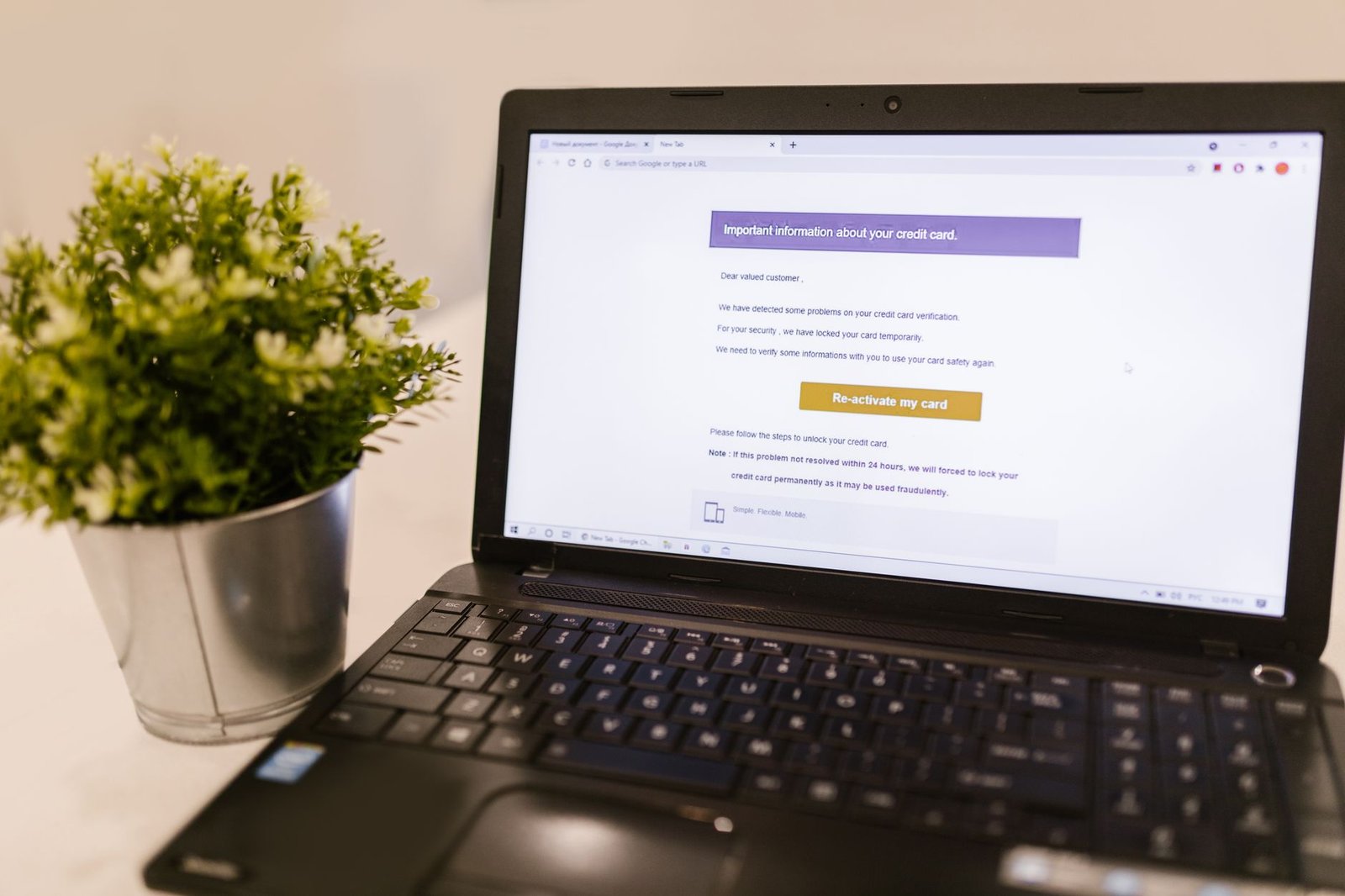
Then add one rule: any request to change bank details or make an urgent payment is checked by phoning a number you already hold. Picture a “supplier” emailing new account details the day before an invoice is due. That one call stops it. Sole traders need this rule as much as anyone.
Do this month
9. Write a one-page incident plan.
Note who is in charge, who to call (IT provider, bank, insurer), how to isolate a device, where your backups are and who must be told. Print it. If your systems are locked, you can’t open a digital copy. The steps are in the section on what to do if you’re attacked, below.
10. Check suppliers, cloud apps and AI tools.
List every online service that holds business data. Close the ones you no longer use. Ask key suppliers how they protect your data.
AI tools need a rule too. The survey found 31% of businesses use, adopt or consider AI, but only 24% of those have measures to manage the risks. A simple policy works: no customer personal data or confidential files in AI tools unless you’ve approved the tool. Our ChatGPT for business guide explains what to check.
11. Check what your cyber insurance requires.
Many policies ask about MFA, backups and updates. If your answers on the form don’t match reality, an insurer may reduce or refuse a claim. Also check whether your business insurance covers cyber events at all. Our UK business insurance guide explains the main cover types.
Do this quarter
12. Work towards Cyber Essentials.
Steps 1 to 11 already cover most of what Cyber Essentials checks. The next section explains how to certify and whether it’s worth it.
Cyber Essentials: is it worth it?
Cyber Essentials is a government-backed certification built on five technical controls: firewalls, secure configuration, security update management, user access control and malware protection. Certification starts at £320 + VAT, with the price rising for larger organisations.
It is not a legal requirement. But you need it to bid for some government contracts involving personal or financial data, and more larger firms ask suppliers for it. More than 215,000 certificates have been awarded, and the government says certified organisations make 92% fewer insurance claims.
There’s a practical perk. UK organisations with turnover under £20m that certify their whole organisation get free cyber liability insurance, including 24/7 incident response support.
| Cyber Essentials | Cyber Essentials Plus | |
|---|---|---|
| Controls covered | The same five | The same five |
| How it’s checked | Self-assessment, signed off by a board member or equivalent, then marked by an assessor | Independent technical testing of your systems |
| Cost | From £320 + VAT | Quoted by network size and complexity |
| Best for | Most small businesses | Firms whose customers demand extra proof |
What changed in April 2026. From 27 April 2026, new assessments use the Danzell question set (version 3.3). Three changes matter:
- MFA must be on for every cloud service that supports it.
- Cloud services can no longer be left out of scope.
- Missing the 14-day window for critical and high-risk updates is an automatic fail.
Steps 1, 3 and 10 above prepare you for all three.
Should you certify now? Do it now if you bid for government work, sell to larger firms that ask for it, or want the free insurance. Otherwise finish steps 1 to 11 first, then certify within the year. There are two routes: self-led, or with a certification body. The NCSC offers a free readiness tool and a free 30-minute chat with a Cyber Advisor. Our Cyber Essentials certification guide walks through the process, and the NCSC’s Cyber Essentials page has the official details.
What to do if you’re attacked
If you think you’ve been attacked, work through these steps in order:
- Isolate. Disconnect affected devices from the network and Wi-Fi.
- Secure accounts. From a device you trust, change passwords on affected accounts and switch on 2SV.
- Call for help. Contact your IT provider and your insurer. If money has moved, call your bank straight away.
- Report it. Tell the NCSC at report.ncsc.gov.uk. Report cyber crime and fraud to Report Fraud or on 0300 123 2040. Call if the attack is live. Report Fraud replaced Action Fraud on 4 December 2025, so older guides may point you to the wrong place.
- Check personal data. If customer or staff data may be at risk, you may have to tell the ICO within 72 hours of becoming aware. Our UK GDPR compliance checklist explains when.
- Restore carefully. Restore from a clean backup only after you’ve removed the threat.
Frequently asked questions
Is Cyber Essentials a legal requirement?
No. It’s voluntary. However, you need it to bid for some UK government contracts that involve personal or financial data, and many larger companies ask suppliers to hold it.
How much does Cyber Essentials cost?
Certification starts at £320 + VAT, and the price depends on your organisation’s size. Cyber Essentials Plus is quoted based on the size and complexity of your network. Hiring a certification body for help costs extra.
How often should I back up my data?
Back up as often as you can afford to redo the work. For most small firms that means automatic daily backups, with one copy kept offline. Test a restore regularly.
Do I have to report a cyber attack?
Not every attack goes to a regulator. But if personal data is at risk, UK GDPR requires you to tell the ICO within 72 hours unless the risk to people is unlikely. You should also report cyber crime to Report Fraud and the NCSC.
Where to start
Do steps 1 to 4 today. They’re the biggest risk reduction for the least effort. Then book 30 minutes in your diary for steps 5 to 8.
The NCSC’s free tools help along the way. The Cyber Action Toolkit builds a personalised plan, Check Your Cyber Security tests your public-facing systems, and Early Warning alerts you to threats on your network. For a wider look at protecting your business, read our guide on how to protect a small business from cyber attack in the UK.