
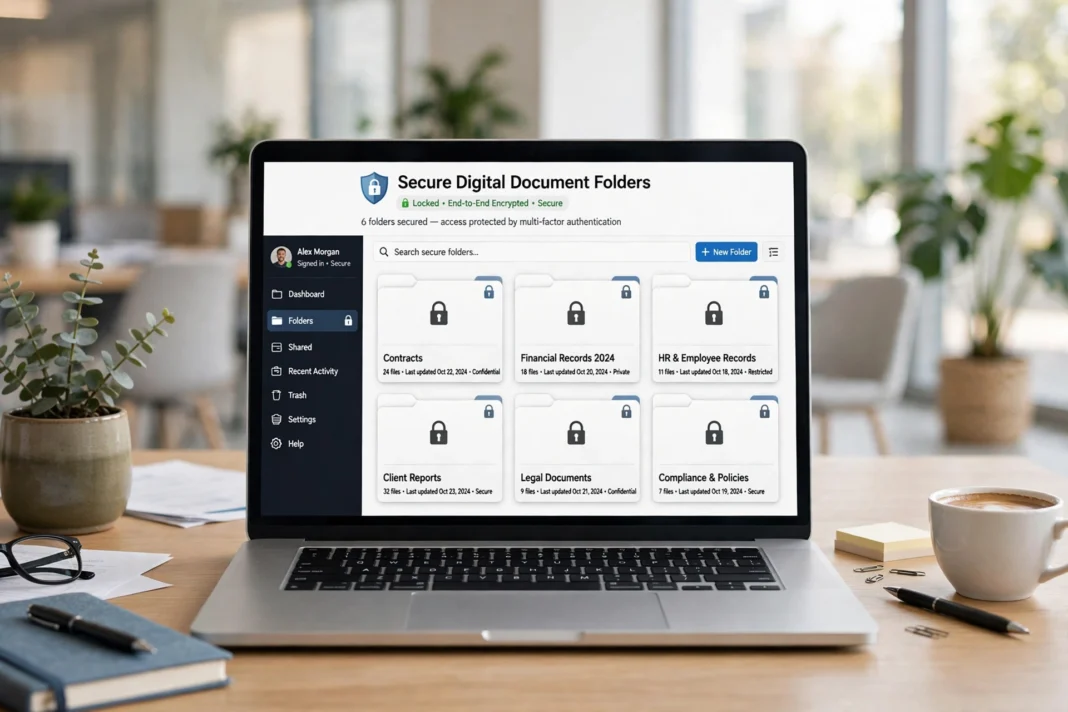

GDPR compliant document storage for UK SMEs is not just a legal box to tick — it is how a small business keeps customer data safe and avoids fines. Under UK GDPR, any business that stores personal data — customer names, addresses, invoices, contracts, and staff records — must store it securely, know where it is, and be able to delete it when asked.
This leading document storage options for UK small businesses: Google Drive, Microsoft OneDrive, Dropbox Business, Box, Tresorit, and pCloud Business. It covers what each one does best, what it costs in pounds, where your data lives, and which kind of business should pick it.
What UK GDPR actually requires
UK GDPR does not tell you which storage tool to use. It sets principles, and your storage choice has to meet them. The main ones are security, data minimisation, storage limitation, and accountability.
Security means personal data must be protected by appropriate technical and organisational measures. In practice, that means encryption in transit and at rest, access controls so only the right people see the data, and two-factor authentication on every account.
Data minimisation means you should only store the personal data you actually need. If you do not need a customer’s date of birth, do not store it. If you do not need a document any more, delete it.
Storage limitation means personal data should not be kept longer than necessary. A small business needs a retention policy: how long you keep invoices, contracts, and customer records, and when you delete them.
Accountability means you must be able to show you follow the rules. That means a data processing agreement with your storage provider, a record of what personal data you hold and where, and a process for handling data subject requests — when a customer asks for a copy of their data, or asks you to delete it. Signed contracts are personal data too — the guide to the best DocuSign alternative for UK small business covers signing tools that store them compliantly.
The guide to UK small business regulations covers the wider legal picture, including GDPR fines of up to £17.5 million or 4% of annual global turnover.
Where your data lives matters
One of the most misunderstood parts of UK GDPR is international transfers. After Brexit, the UK has its own adequacy decisions, and data can flow freely to the EU and to countries the UK has approved. Transfers to the US are covered by the UK-US data bridge, but only when the provider is certified under it.
For most small businesses, the simplest approach is to choose a provider that stores data in the UK or the EU. That avoids transfer questions altogether. Google Workspace and Microsoft 365 both offer UK data residency for business customers.
How to choose: five things to check
First, check where data is stored. UK or EU data residency is the simplest option for a UK business. Ask the provider directly if the answer is not on its website.
Second, check encryption. Data should be encrypted in transit and at rest, and the provider should hold recognised security certifications such as ISO 27001 and SOC 2.
Third, check the data processing agreement. Every provider on this list offers one, but some only include it on paid business plans. Do not store personal data on a free consumer plan without a data processing agreement.
Fourth, check access controls. You should be able to set who sees which folders, revoke access when someone leaves, and see an audit log of who opened what. Admin controls are a business feature, not a consumer one.
Fifth, check deletion and export. You must be able to delete personal data when a customer asks, and export your files if you switch providers.
The best options compared

Google Drive, through Google Workspace, is the best all-round option. It offers 30 GB to 2 TB per user depending on the plan, UK data residency, strong encryption, and a data processing agreement on all business plans. Paid plans start at around £5 per user a month. The guide to using Google Drive for UK small business storage covers setup and GDPR steps in detail.
Microsoft OneDrive, through Microsoft 365, is the best option for businesses already using Microsoft. It offers 1 TB per user, UK data residency, and deep integration with Outlook, Teams, and Office. Paid plans start at around £5 per user a month. It is the best choice for teams that already live in Microsoft tools.
Dropbox Business is the best option for simple sharing. It is the easiest tool on this list to learn, with fast sync and simple sharing links. Paid plans start at around £10 per user a month. EU data residency is available on business plans.
Box is the best option for security and compliance features. It offers granular access controls, detailed audit logs, and strong governance tools. Paid plans start at around £12 per user a month.
Tresorit is the best option for maximum privacy. It uses end-to-end encryption, so even Tresorit cannot read your files, and it stores data in the EU and Switzerland. Paid plans start at around £10 per user a month.
pCloud Business is the best option for a one-off price. It offers a lifetime plan with a single payment, instead of a monthly subscription, and EU data residency. Paid plans start at around £7 per user a month.
Pricing in GBP: what UK businesses pay
Prices are listed in dollars and billed in dollars for most of these tools, so the pound cost moves with the exchange rate, and vendors change pricing regularly — treat the figures above as a guide and check the current pricing page before you commit.
For a team of five, Google Workspace at around £5 per user costs about £25 a month. Dropbox Business at around £10 per user costs about £50 a month. Over a year, the difference is about £300 for a tool that stores documents in the same way.
If budget is tight, start with the free tiers. Google Drive gives 15 GB free, and OneDrive gives 5 GB free, but free consumer plans do not include a data processing agreement, so do not store personal data on them without checking the terms.
Best for small teams
For small teams, Google Drive and OneDrive are the strongest choices. Google Drive is better for teams that use Gmail and Google Docs. OneDrive is better for teams that use Outlook and Microsoft Office. For the wider picture of cloud services, the guide to UK small business cloud computing explains how storage fits with the rest of your cloud tools.
Best for regulated sectors
For regulated sectors, Box and Tresorit are the strongest choices. Box is better when you need detailed audit logs and governance tools. Tresorit is better when you need end-to-end encryption and the strongest privacy.
Best for simple sharing
For simple sharing, Dropbox Business is the strongest choice. It is the easiest tool to learn, with fast sync and sharing links that anyone can use.
How to move your documents

Moving documents to a new storage tool is simpler than most businesses expect. First, list what personal data you hold and where it is now. Second, set up the new tool with folders, access controls, and two-factor authentication. Third, move files in batches, starting with the least sensitive. Fourth, check that the move worked, then delete the old copies.
Most moves take a day or two of work. The hardest part is usually deciding the folder structure. A practical rule: organise by client or project, not by document type, so everything for one client sits in one place.
Common mistakes
The first mistake is storing personal data on a free consumer plan without a data processing agreement. Free plans are fine for files that hold no personal data. They are not fine for customer records, contracts, or staff files.
The second mistake is sharing folders too widely. A folder shared with the whole team is a folder anyone can leak. Share only what each person needs, and review sharing settings every few months.
The third mistake is never deleting anything. Old files pile up, and every old file is a file you have to protect. Set a retention policy and delete what you no longer need.
The fourth mistake is using weak passwords and no two-factor authentication. Most data breaches start with a stolen password. Turn on two-factor authentication for every account, and use a password manager.
Frequently asked questions
Is Google Drive GDPR compliant?
Yes, when used on a Google Workspace business plan with a data processing agreement. Google offers UK data residency for business customers, and the data is encrypted in transit and at rest. Do not store personal data on a free consumer Google account without checking the terms.
Can I store personal data in the US?
Yes, but only under an approved transfer mechanism. The UK-US data bridge covers certified US providers, and standard contractual clauses cover others. Choosing a provider with UK or EU data residency is simpler.
Do I need a data processing agreement?
Yes, if your storage provider processes personal data on your behalf. Every provider on this list offers one on its business plans. Sign it before you store personal data.
What happens if I lose access to my storage account?
Keep a backup. Export your files regularly, or use a second storage tool as a backup.
GDPR compliant document storage for UK SMEs is mostly about choosing a business plan, not a consumer plan, and turning on the security features that are already there. Google Drive is the best all-round choice, OneDrive is the best choice for Microsoft teams, and Tresorit is the best choice when privacy matters most. Pick one, set it up properly, and keep a record of what you store and where.