
The government’s Cyber Security Breaches Survey 2025/26, published on 30 April 2026, found that 43% of UK businesses had a breach or attack in the past 12 months. For small businesses with 10 to 49 staff, it was 46%. Phishing was the most common cause, reaching 38% of businesses.
The short answer: the five most effective steps are regular backups, strong unique passwords with two-factor authentication, prompt software updates, malware protection, and staff who can spot phishing. These stop most common attacks and cost little. The rest of this guide shows you how to do each one, what to do if you are hit, and a 30-day plan to get it all done.
Why UK small businesses are targeted
Cyber security for small businesses means protecting your devices, accounts, data and money from criminals, using simple controls you repeat every day. It is not a one-off project, and you do not need an IT department to do it.
Criminals target small firms because they are easier. There is often no one in charge of security, one person holds the bank login, and staff are busy. Small firms also supply bigger companies, so a hacked supplier can be a way in.
How common attacks are
The survey above gives the best UK picture. The rate was 42% for micro businesses, 46% for small and 65% for medium-sized firms. These are only the attacks that firms noticed and reported, so the real number is likely higher.
What an attack actually costs
The biggest costs are usually downtime, lost orders, recovery time and fraud losses. You may see claims that 60% of small firms close within six months of an attack. The National Cyber Security Alliance, the group usually credited, has said the figure did not come from its research. Treat it with caution. The real risk is serious enough without it.
Common cyber attacks to watch for
Knowing what an attack looks like makes it easier to stop. These four cause most small business harm.
| Attack | What it looks like | Red flag |
|---|---|---|
| Phishing | Fake email or text asking you to click, log in or pay | Urgent tone, odd sender address, unexpected link |
| Ransomware | Files locked, with a demand for payment | Files will not open, ransom note on screen |
| Invoice fraud | A “supplier” asks you to use new bank details | Bank details change by email alone |
| Account takeover | Someone logs in as you using a stolen password | Login alerts from places you have never been |
Phishing and impersonation scams
Phishing is a message pretending to be someone you trust, such as your bank, HMRC or a supplier. AI tools now write clean, convincing emails with no spelling mistakes. Voice cloning can also fake a manager’s phone call. Do not rely on bad grammar to spot a scam.
Ransomware
Ransomware locks your files until you pay. It usually arrives through a phishing link or an unpatched device. Good backups are your best defence, because they mean you never have to consider paying.
Business email compromise and invoice fraud
Picture a 10-person firm. An email arrives from a regular supplier saying their bank details have changed. The sender’s address is one letter off. Someone pays a £14,000 invoice to the wrong account. A simple rule would have stopped it: always confirm bank changes by phone, using a number you already hold.
Password and account takeover
Criminals reuse passwords leaked from other sites. If one staff member uses the same password everywhere, one leak can open your email, accounting and bank.
10 practical steps to protect your small business
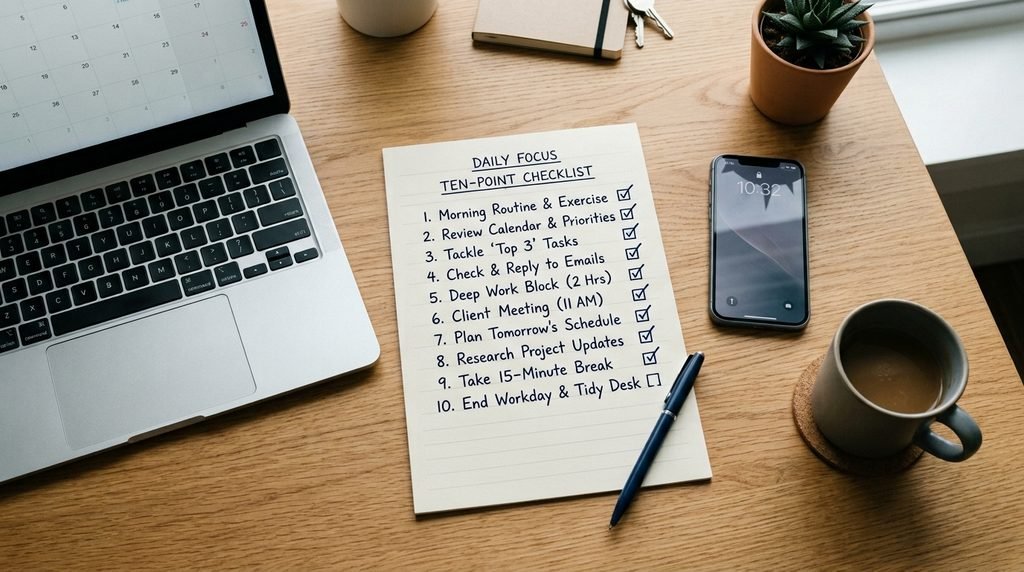
The NCSC’s small business guidance centres on backups, malware protection, mobile devices, passwords and phishing. The steps below follow that order of importance, with extra detail on each.
1. Back up your data (and test it)
Keep three copies of important files, on two types of storage, with one copy kept offline or unchangeable. This is the 3-2-1 rule. Once a month, restore one file to check that it works. Many people find out their backup was empty only after an attack.
2. Use strong passwords and a password manager
Use a long passphrase of three random words for your main accounts. For everything else, let a password manager create and store a unique password. Staff then need to remember only one.
3. Turn on two-factor authentication
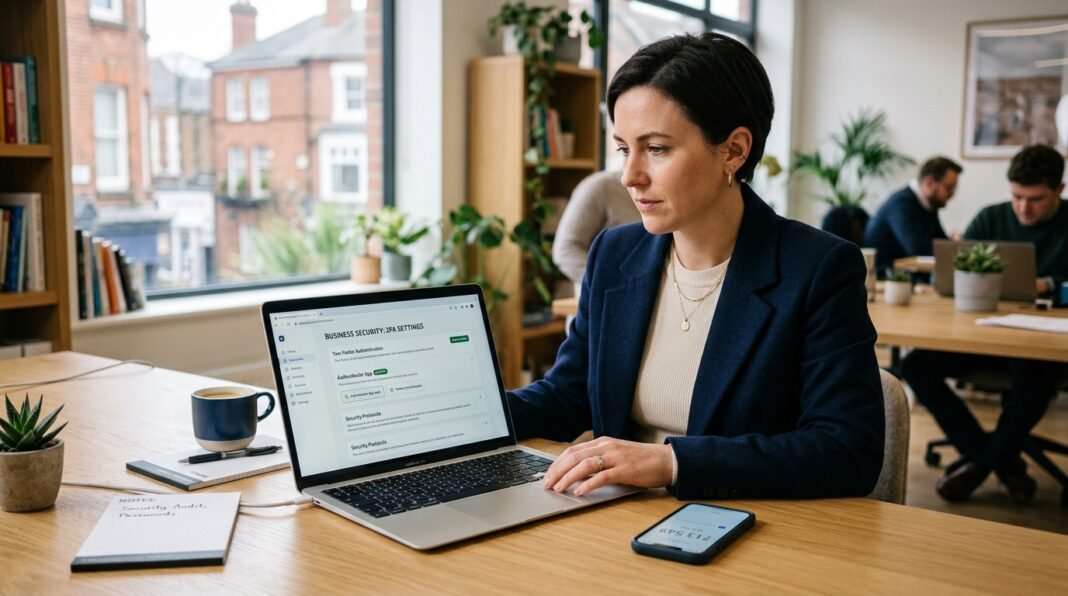
Two-factor authentication (2FA) asks for a second proof, such as a code from an app, when you log in. Turn it on first for email, banking, accounting software and cloud storage. App codes or passkeys are safer than text messages. Our guide to two-factor authentication for UK small businesses shows the setup.
4. Keep software and devices updated
Updates fix known security holes. Switch on automatic updates for computers, phones, routers and apps. Check for old kit too. Microsoft ended standard support for Windows 10 in October 2025, so any PC still running it needs upgrading or replacing.
5. Install malware protection and a firewall
Every device needs malware protection and a firewall switched on. Built-in tools like Microsoft Defender are enough for many small firms. If you want a paid option, see our comparison of the best antivirus for UK small businesses.
6. Secure phones, laptops and remote working
Set a screen lock and a PIN on every device. Turn on “find my device” so you can wipe a lost phone. If staff work at home, they should use a work-approved device and avoid sensitive tasks on public Wi-Fi. Our guide to running a business from home covers the practical side.
7. Train staff to spot phishing
Run a 30-minute session twice a year using real examples. Teach three habits: pause, check the sender, and report. Staff can forward suspicious emails to report@phishing.gov.uk, the NCSC’s reporting service. Add a payment rule: nobody changes bank details without a phone call to confirm.
8. Limit who can access what
Give people access only to what their job needs. This is called least privilege. Keep admin accounts separate from daily accounts. Write a leavers checklist and remove access on the person’s last day, including email, cloud tools and social media.
9. Secure your Wi-Fi and cloud accounts
Change the default router password and put visitors on a guest network. In Microsoft 365 or Google Workspace, require 2FA for every user. If you are choosing between them, our Google Workspace vs Microsoft 365 comparison helps. Also ask key suppliers how they protect your data.
10. Make a simple incident plan
Write one page. Include who to call, where backups are kept, your insurer’s helpline and your IT support number. Print it. If email is down, a digital copy is no use. The NCSC’s free Exercise in a Box lets you rehearse an attack in about an hour.
What to do if your business is attacked
Act fast and stay calm. The first hour matters most. Do these in order.
First hour actions
- Disconnect affected devices from Wi-Fi and cables. Do not wipe them yet.
- Change passwords for email and banking, using a clean device.
- Call your bank at once if money has moved. Banks can sometimes recall payments.
- Contact your insurer or IT provider and follow their instructions.
- Take photos or notes of ransom messages and odd emails as evidence.
- Restore from backups only after the threat is removed.
Do not rush to pay a ransom. Payment does not guarantee you get your files back and it marks you as a payer.
Who to report to
In England, Wales and Northern Ireland, report cyber crime and fraud to Report Fraud at reportfraud.police.uk or on 0300 123 2040. It replaced Action Fraud on 4 December 2025. In Scotland, call Police Scotland on 101. Also report phishing emails to the NCSC and tell your bank about any fraud.
When you must tell the ICO
If personal data about customers or staff is lost, stolen or exposed, and it puts people at risk, you must tell the Information Commissioner’s Office (ICO) within 72 hours of becoming aware of it. Record every breach internally, even ones you do not report. Our UK GDPR checklist for small businesses explains your duties, and the ICO data protection fee guide covers the fee most firms must pay.
Cyber Essentials: is it worth it?
Cyber Essentials is a UK government-backed certification, run by IASME for the NCSC. It checks five controls: firewalls, secure settings, user access, malware protection and security updates.
The basic assessment costs £320 + VAT for micro organisations (up to 9 staff) and £440 + VAT for small ones (10 to 49 staff), at IASME’s published rates. Cyber Essentials Plus adds independent testing and typically costs more, from around £1,500 + VAT with some providers. Certificates last 12 months.
It is worth it if you bid for contracts, work with larger clients or want a clear checklist. Certified firms with turnover under £20m may also qualify for included cyber insurance, so check the current terms. Read our full guide to Cyber Essentials certification for UK small businesses.
Do you need cyber insurance?
Cyber insurance is not a legal requirement, but it is worth considering if you hold customer data, take online payments or rely on IT to trade. A policy can pay for incident response, data recovery, lost income and legal costs.
Read the exclusions closely. Insurers often require 2FA and working backups, and may refuse a claim without them. For the wider picture, see our guide to UK business insurance.
A 30-day action plan
Do not try to fix everything at once. Use this order.
- Week 1: Set up backups and test one restore. Turn on 2FA for email and banking. Switch on automatic updates.
- Week 2: Roll out a password manager. Check malware protection on every device. Add screen locks to phones.
- Week 3: Run a short phishing session. Agree the bank-details phone-call rule. Review who has admin access.
- Week 4: Write your one-page incident plan. Do the NCSC’s Check Your Cyber Security tool. Review insurance and consider Cyber Essentials.
Common mistakes to avoid
- Assuming you are too small to be a target.
- Keeping backups on a device that stays plugged into the network.
- Sharing one login between several staff.
- Forgetting to remove leavers’ access.
- Waiting for a breach before writing a plan.
What may change
The government’s proposed Cyber Security and Resilience Bill is aimed mainly at critical services and IT providers, not small firms. Even so, it may raise standards among suppliers you rely on. The rules on reporting and data protection are also worth rechecking each year.
FAQs
What is the biggest cyber threat to small businesses in the UK?
Phishing. The government’s 2025/26 survey found it affected 38% of businesses, far more than any other attack. It targets people rather than technology, so staff awareness, 2FA and a bank-details confirmation rule are your best defences.
How much does cyber security cost for a small business?
Many basics are free: automatic updates, 2FA and built-in malware protection. You may pay a few pounds per user each month for a password manager or paid backup. Cyber Essentials starts at £320 + VAT for micro businesses.
Is Cyber Essentials mandatory?
No, it is voluntary for most businesses. Some government and large-company contracts require it, so it can be a condition of winning work. It is also a useful way to check that your basics are in place.
What should I do if my business is hacked?
Disconnect affected devices, change key passwords, call your bank if money moved, and contact your insurer or IT provider. Then report to Report Fraud. If personal data is at risk, tell the ICO within 72 hours.
Do small businesses need cyber insurance?
It is not legally required, but it helps if you hold customer data or trade online. It can cover recovery, lost income and legal costs. Check the policy conditions, as many insurers expect 2FA and tested backups.