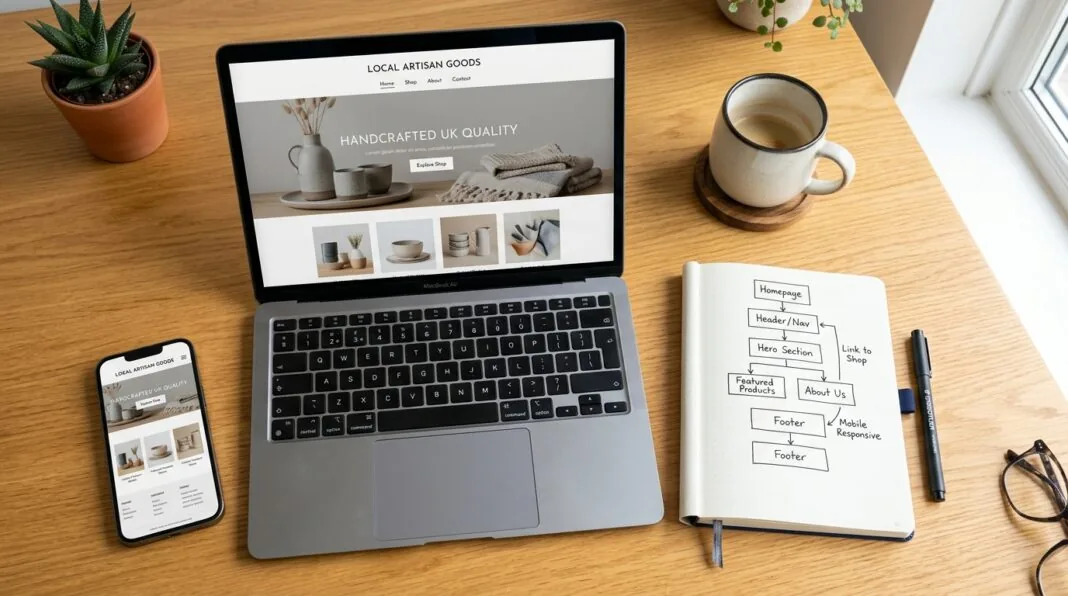

Building a website for your small business doesn’t need a developer or a big budget. You can register a domain, pick a platform, and have a working site live within a week. This guide walks you through every step, in order, with real UK costs at each stage.
Why Your Small Business Needs a Website in 2026
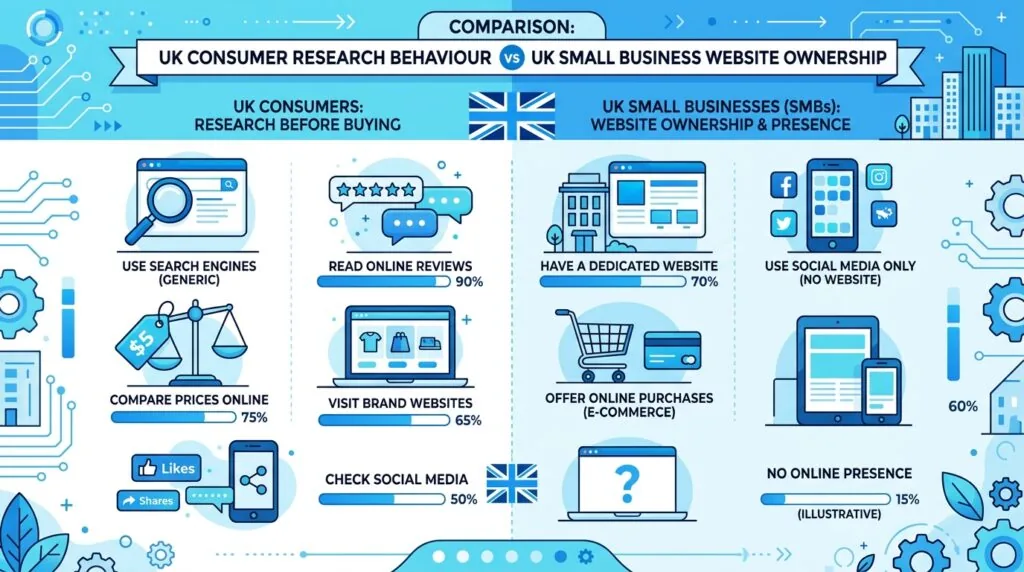
Most customers check a business online before they buy anything from it. If your business doesn’t show up, you lose that customer before you ever speak to them.
A few numbers make the case clearly. Around 70–80% of people research a small business online before making a purchase or booking. Yet only about two-thirds of UK small businesses currently have a website. That gap is an opportunity. A site puts your hours, services, and contact details in one place you fully control — no algorithm changes, no rented audience.
If you haven’t pinned down your wider business plan yet, it’s worth doing that first. Our UK business plan template gives you a simple structure to follow before you spend a penny on web design.
Step 1: Define Your Website’s Goal
Before you touch a template, decide what the site needs to do. Sell products? Book appointments? Generate phone calls? Pick one main action. Everything else on the site supports that goal.
A website built without a clear goal usually turns into a digital brochure. It looks fine, but it doesn’t convert. Write your main goal down in one sentence before you move to step two.
Step 2: Choose and Register Your Domain Name
Your domain is your website’s address. Keep it close to your business name — short, easy to spell, easy to say over the phone.
For UK businesses, you’ll usually choose between:
- .co.uk — signals a UK-based business, good for local trust
- .uk — a newer, shorter alternative
- .com — best if you plan to sell beyond the UK
Check availability through a registrar such as 123-reg, GoDaddy, or Fasthosts before you commit. Prices for a new domain typically range from £1 to £15 a year, though premium or highly sought-after names cost more.
If you haven’t landed on a business name yet, work through that first. See our guide on choosing a name for your UK small business for a step-by-step approach.
Step 3: Pick Your Platform
This is the decision that shapes everything after it. You have two real paths: a website builder, or WordPress.
Website builders (Wix, Squarespace, Shopify, GoDaddy, IONOS) handle hosting, security, and updates for you. You drag, drop, and publish. Good for speed. Limited if you want full control later.
WordPress powers a large share of the web because it’s flexible and strong for SEO. It takes more setup but gives you room to grow without hitting a ceiling.
| Platform | Best for | Starting price |
|---|---|---|
| Wix | Service businesses, creatives | Free / from £7.50/month |
| Squarespace | Visual, design-led brands | From around £12/month |
| Shopify | Online stores | From around £25/month |
| WordPress | Long-term growth, content, SEO | Hosting + theme from £5–£15/month |
| GoDaddy Builder | Fast, simple DIY sites | Free trial / paid plans from £6/month |
| IONOS | Tradespeople, solopreneurs | From around £4/month |
Pick the builder if you want to launch this week. Pick WordPress if you’re planning to blog, scale, or rank competitively in search over the next few years.
Step 4: Set Up Hosting
If you use WordPress, you’ll need separate hosting. A website builder includes hosting in its plan.
For a basic small business site with normal traffic, shared hosting is enough and is the cheapest option. Expect to pay under £100 for your first year with most UK hosts. If your site grows fast or sells heavily online, a VPS plan handles more traffic without slowing down.
Step 5: Map Your Site Structure
Plan your pages before you design anything. Most small business sites need:
- Home — your offer in one sentence, plus a clear action
- About — who you are and why you’re trustworthy
- Services or Products — what you sell, in plain language
- Contact — phone, email, address, and a short form
- Privacy Policy — required if you collect any customer data
Five solid pages beat fifteen thin ones. Add more only once these are working well.
Step 6: Design and Brand Your Site
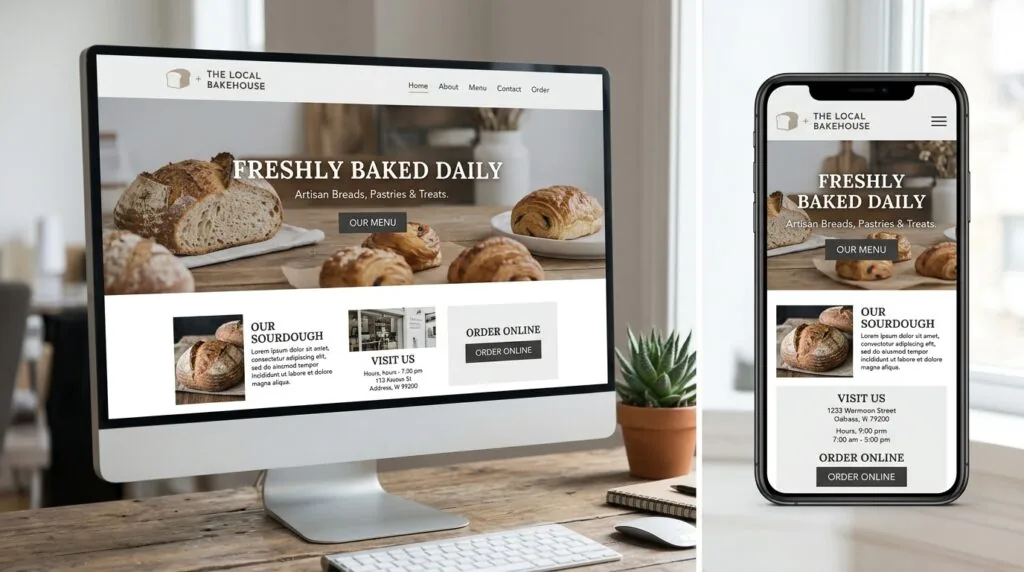
Structure matters more than style trends. A visitor should understand what you do within seconds of landing on your homepage. If they have to think, they leave.
Stick to one or two fonts and a limited colour palette across the whole site. Consistency builds recognition faster than clever graphics do.
If you don’t have a logo yet, you can put one together without hiring a designer. Our guide on creating a free small business logo covers tools that take under an hour. For wider brand decisions — tone, colours, messaging — see our branding tips for UK small businesses.
Mobile design isn’t optional. Around 74% of visitors are more likely to return to a site if it works well on their phone. Check every page on a phone screen before you publish anything.
Step 7: Write Your Content
This is where most small business sites lose visitors. Don’t ramble. Don’t use corporate jargon. Say what you do, who it’s for, and what happens next.
Write short paragraphs. Break up long blocks of text with headings and bullet points. Every sentence should tell the reader something new — if it doesn’t, cut it.
Step 8: Add Contact Forms and Payment Options
A dedicated contact page with a working form, phone number, and email address makes it easy for customers to reach you. If you’re selling online, add a payment provider during this step.
Stripe and PayPal cover most UK and European debit and credit cards. PayPal also adds a layer of trust for first-time customers who don’t know your brand yet. If you’re using WordPress, you’ll need an e-commerce plugin such as WooCommerce to connect these providers.
Before you start taking payments, make sure your business banking is sorted. See our guide on opening a free UK small business bank account if you haven’t set this up yet.
Step 9: Set Up Basic SEO Before Launch
Search engine optimisation (SEO) is the work that helps people find your site on Google without paid ads. Do this before launch, not months after.
Cover these basics on every page:
- Write a unique title tag and meta description for each page
- Use one H1 heading per page, with H2s for sections
- Add your business name, address, and phone number consistently
- Submit an XML sitemap through Google Search Console
- Run your homepage through Google’s Mobile-Friendly Test
Neglecting basics like HTTPS and sitemaps can cause a real drop in crawl efficiency, which means search engines see less of your site. Fix this before launch, and you won’t need to revisit it later.
For a deeper run-through once your site is live, read our guide on boosting your small business website’s ranking. If most of your customers are local, our local SEO guide for UK small businesses is worth reading alongside it.
Step 10: Test and Launch
Before you go live, check:
- Every link works, including menu items and buttons
- Forms send to the correct inbox
- The site loads in under 3 seconds on mobile
- Spelling and pricing are accurate throughout
Once it’s clean, publish. Then move straight to telling people it exists.
What Does It Cost to Build a Small Business Website in the UK?
Costs vary by route, but here’s a realistic breakdown for a DIY build:
| Item | Typical UK Cost |
|---|---|
| Domain name | £1–£15/year |
| Hosting (if WordPress) | £50–£100/year |
| Website builder plan | £0–£25/month |
| Premium theme or template | £0–£80 one-off |
| Logo design (DIY tools) | Free–£30 |
| Stock images | Free–£50 |
| Ongoing maintenance | £0–£20/month |
A basic site built yourself typically costs under £300 in the first year. Hiring a freelancer or agency for design and build usually runs from £500 to £3,000+, depending on complexity. If budgeting feels tight, our guide on budgeting for a UK small business can help you plan around these costs alongside the rest of your spending.
Your First 30 Days After Launch
Launching is the start, not the finish line. In your first month:
- Week 1: Confirm your site is indexed by searching
site:yourdomain.co.ukon Google - Week 2: Set up Google Business Profile and link it to your website
- Week 3: Share the site across your social channels and email list
- Week 4: Check Google Search Console for crawl errors or broken links
This is also the right time to start a basic promotion plan. Our guide on promoting your UK small business online covers free and low-cost ways to get your first visitors.
UK Legal Essentials to Check Before You Launch
A few legal basics apply specifically to UK small business websites:
- Business registration — your site should reflect your registered structure, whether that’s a sole trader or a limited company
- GDPR — if you collect any customer data through forms or cookies, you need a privacy policy and a cookie consent banner
- Accessibility — clear contrast and readable text size help all visitors use your site, not just some
For a fuller checklist covering contracts, trademarks, and data handling, see our guide on legal requirements for UK small businesses.
FAQs
Do I need coding skills to build a small business website? No. Website builders like Wix and Squarespace use drag-and-drop editors. Even WordPress can be set up without writing code, using themes and plugins.
How much does it cost to build a small business website in the UK? A DIY build typically costs under £300 in the first year, covering domain, hosting, and basic design tools. Hiring a professional usually costs £500 to £3,000 or more.
Is WordPress or a website builder better for a small business? Builders are faster to launch and easier for beginners. WordPress takes more setup but offers more control and stronger long-term SEO potential. Choose based on whether you want speed now or flexibility later.
How long does it take to build a small business website? A simple builder-based site can go live in a few days. A custom WordPress build usually takes one to three weeks, depending on the number of pages and content needed.
Do I need a UK domain extension like .co.uk? Not strictly, but a .co.uk domain signals to UK visitors that you’re a local business, which can build trust faster than a generic .com.
Conclusion
Building a small business website in the UK comes down to ten clear steps: define your goal, pick a domain, choose a platform, set up hosting, plan your pages, design with mobile in mind, write tight content, add contact and payment options, cover basic SEO, then test and launch. Most DIY builds cost under £300 and take less than a month. Start with step one today, and you could have a live site within the week.