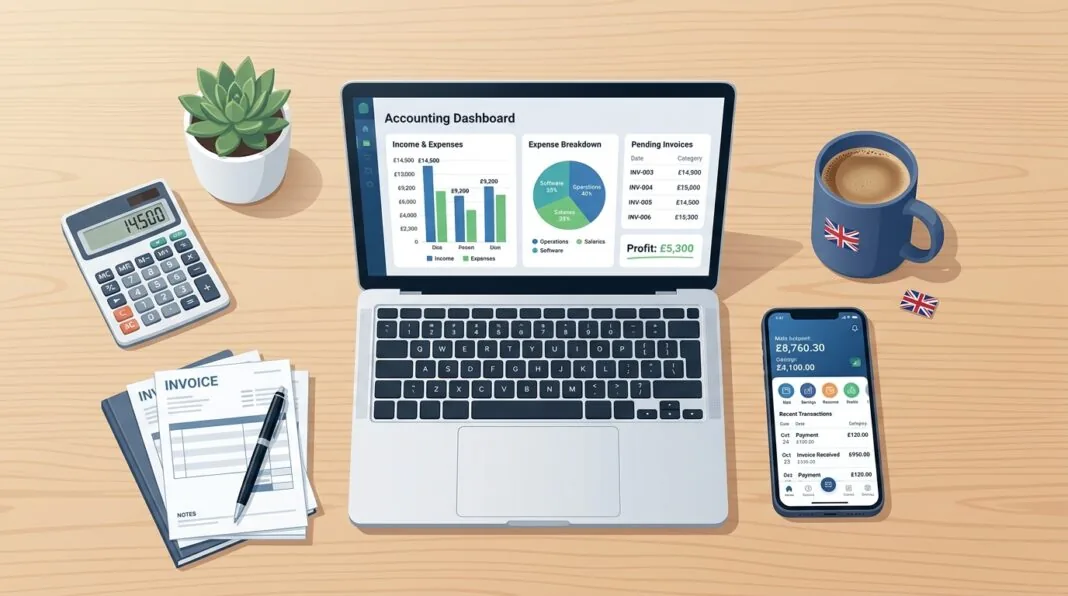

Xero and QuickBooks are both cloud-based accounting platforms built for UK small businesses, and both are fully Making Tax Digital compliant. QuickBooks tends to suit sole traders and beginners who want a simple interface and strong live support. Xero tends to suit growing businesses with multiple staff, since it doesn’t charge extra per user. The right choice depends on your team size, budget and how much automation you need.
Xero vs QuickBooks at a Glance
| Xero | QuickBooks | |
|---|---|---|
| Founded | 2006, New Zealand | 1992, United States (Intuit) |
| Entry-level price | From £16/month | From around £9/month (Sole Trader plan) |
| Number of users | Unlimited on every plan | Limited by plan, extra cost to add users |
| Best for | Growing teams, multi-user businesses | Sole traders and beginners |
| Live chat support | No | Yes |
| Phone support | Callback only | Yes, daily |
| MTD for VAT | Yes | Yes |
| MTD for Income Tax (ITSA) | Yes | Yes |
| Free trial | 30 days | 30 days |
Both platforms cover the basics well: invoicing, bank feeds, expense tracking and VAT returns. The real differences show up in pricing structure, ease of use and how each one handles growth.
What Is Xero?
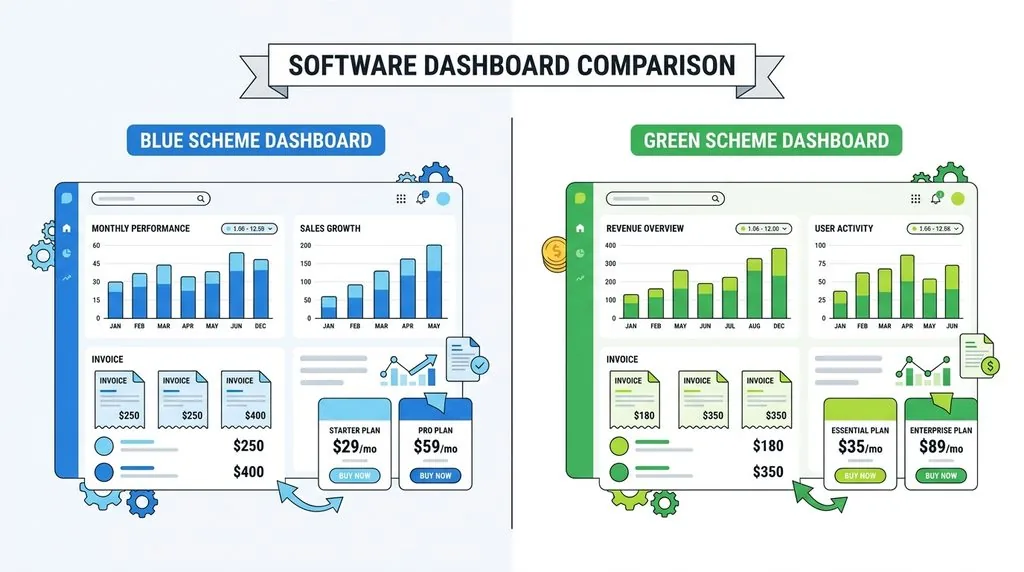
Xero is a cloud-based accounting platform founded in New Zealand in 2006, built around a clean interface and unlimited user access on every plan. It handles invoicing, bank reconciliation, payroll, expense claims and financial reporting, and connects directly to UK bank accounts for automatic transaction feeds.
Xero is popular with growing limited companies, agencies and businesses that work closely with an external accountant or bookkeeper, since every plan allows unlimited staff and adviser logins at no extra cost. If you’ve just gone through the first steps after registering a company in the UK, setting up a cloud accounting system early is one of the most useful things you can do.
What Is QuickBooks?
QuickBooks Online is Intuit’s cloud accounting platform, built on top of a desktop product that launched in 1992. It’s known for a straightforward interface, built-in mileage tracking and some of the strongest customer support in the category, including live chat and daily phone support on every plan.
QuickBooks is a common choice for sole traders and small limited companies handling their own books without a dedicated finance person. Its Sole Trader plan is specifically designed for freelancers who need to link business records to their Self Assessment return, which ties directly into good sole trader record keeping requirements in the UK.
Xero vs QuickBooks Pricing (UK, 2026)
QuickBooks is usually cheaper for a single user. Xero is usually cheaper once you need three or more people logged in, because Xero doesn’t charge per user and QuickBooks does.
Xero Pricing Plans
| Plan | Price | Includes |
|---|---|---|
| Ignite | £16/month | Send invoices, bank reconciliation, basic reporting |
| Grow | £37/month | Adds bill payment, multi-currency, project tracking |
| Comprehensive | £50/month | Adds advanced analytics, expense claims |
| Ultimate | £65/month | Full feature set, including payroll for larger teams |
Every Xero plan includes unlimited users at no extra charge.
QuickBooks Pricing Plans
| Plan | Price | Users | Includes |
|---|---|---|---|
| Sole Trader | From ~£9/month | 1 | Basic invoicing, Self Assessment prep |
| Simple Start | From ~£14/month | 1 | Invoicing, expense tracking, basic reports |
| Essentials | From ~£34/month | 3 | Bill management, time tracking |
| Plus | From ~£50/month | 5 | Inventory, project profitability |
| Advanced | From ~£111/month | 25 | Advanced analytics, priority support |
Prices exclude VAT and are correct at the time of publication. Both providers run promotional introductory pricing for new sign-ups, so always check current rates directly on the Xero and QuickBooks websites before committing.
Which Is Cheaper for a Small Team?
For a single freelancer, QuickBooks Sole Trader is typically the cheapest entry point. For a business with five staff needing access, Xero’s flat pricing usually works out cheaper overall, since QuickBooks would require the £50/month Plus tier (or higher) just to cover five logins.
Ease of Use: Which Has the Easier Learning Curve?
QuickBooks generally has the easier learning curve for beginners, thanks to a more traditional, menu-driven layout. Xero has a more modern interface but a slightly steeper initial learning curve for people with no accounting background.
Once set up, most users find both platforms manageable day to day. Xero’s guided setup wizard walks new users through creating a chart of accounts and customising invoices, which helps offset its less familiar layout. QuickBooks makes it easier to edit a transaction directly, since you can amend almost any field on an open entry. In Xero, once a payment has been applied to an invoice, you often need to remove the payment first before editing details like a VAT rate.
If your team is used to spreadsheets and basic sole trader record keeping, QuickBooks’s more linear layout is usually the gentler transition.
Features Compared
Bank Reconciliation and Bank Feeds
Both platforms connect directly to UK bank accounts and suggest transaction matches automatically. QuickBooks lets you enter a bank statement balance and reconcile against it line by line, which some users find clearer for catching discrepancies. Xero’s matching engine is generally rated slightly higher for accuracy and speed, particularly for high transaction volumes.
Invoicing
QuickBooks offers more invoice template choices out of the box, which matters if brand presentation is a priority. Xero’s invoicing is more limited on templates but integrates tightly with online payments, and a majority of Xero users report getting paid faster once online payment links are switched on.
VAT and Making Tax Digital (MTD) Compliance
Both Xero and QuickBooks are fully HMRC-recognised for Making Tax Digital and let you submit VAT returns directly from the software.
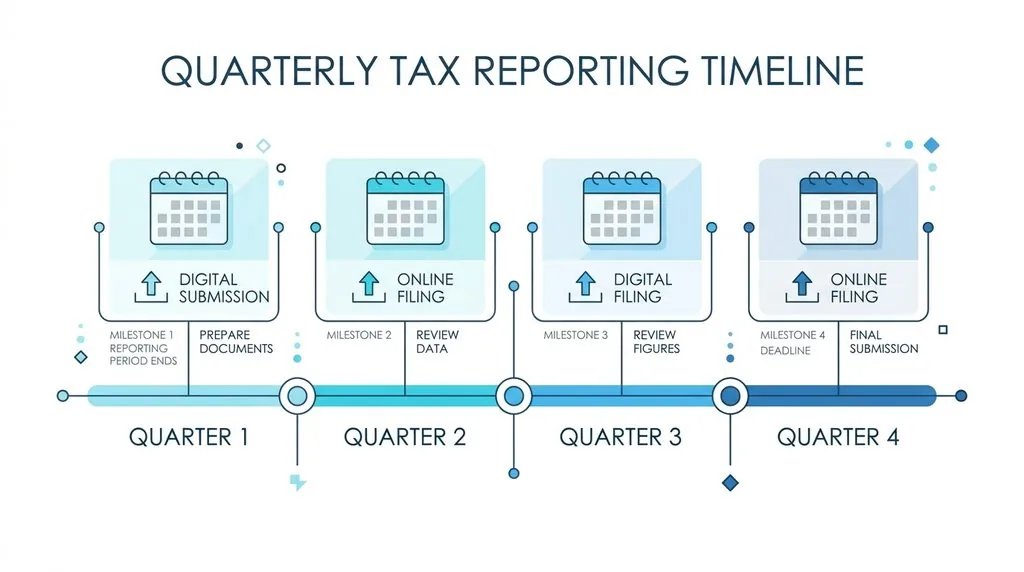
This matters more than ever in 2026. MTD for Income Tax Self Assessment (MTD ITSA) started rolling out on 6 April 2026 for sole traders and landlords with qualifying income over £50,000, with the threshold dropping to £30,000 from April 2027 and £20,000 from April 2028. Anyone in scope now has to keep digital records and send quarterly updates to HMRC through compatible software, rather than filing a single annual Self Assessment return. Both platforms support this, so compliance isn’t a deciding factor between them — but it’s a strong reason to move off spreadsheets if you haven’t already.
Payroll
QuickBooks includes more built-in payroll functionality across its plans as standard. Xero offers payroll too, but it’s more fully featured on the higher-tier plans, and some smaller Xero plans need an add-on for full payroll functionality.
Reporting and Dashboards
Both offer real-time dashboards and customisable reports. QuickBooks has a slight edge on project profitability reporting; Xero has a slight edge on live cash flow visibility and project tracking across multiple currencies.
Multi-Currency Support
Xero is generally considered stronger here, with more flexible automated currency conversion and reporting in local currency. This matters if you plan to export goods from the UK or invoice overseas clients regularly.
Integrations and the App Marketplace
Xero connects to a larger number of third-party apps than QuickBooks, with particularly strong integrations for ecommerce and payments. If you sell online, this is worth weighing carefully — see our comparison of Shopify vs WooCommerce for UK businesses if you haven’t settled on a platform yet.
Both tools integrate with major payment processors, so check our breakdown of Stripe vs PayPal for UK businesses if online payments are a core part of your setup. QuickBooks leans more heavily on Intuit’s own ecosystem, while Xero favours an open marketplace of specialist third-party apps.
Customer Support Compared
QuickBooks offers stronger built-in support: live chat and daily phone support are included on every plan, with priority support on higher tiers. Xero relies more on email, callback requests, a community forum and an extensive knowledge base, with no live chat option.
If responsive, real-time support matters to you day to day, it’s worth also looking at our guide to the best live chat software for UK small businesses, since many businesses supplement their accounting platform’s support with their own customer-facing tools.
Security and Reliability
Both platforms use bank-grade encryption and multi-factor authentication, and both are GDPR compliant. Xero reports uptime above 99.9%. QuickBooks holds SOC 2 Type II certification and offers more granular user permission controls on its higher-tier plans.
Whichever platform you choose, enabling two-factor authentication for your small business accounts is one of the simplest ways to protect financial data from unauthorised access, and it’s worth reviewing as part of your wider approach to Cyber Essentials certification if you handle client or supplier data regularly.
What Do UK Accountants Prefer — Xero or QuickBooks?
UK accountants and bookkeepers lean towards Xero more often than their US counterparts, largely because Xero was built outside the US and has a stronger foothold in the UK, Australian and New Zealand markets. QuickBooks remains the market leader globally, which means most accountants are proficient in both platforms regardless of personal preference.
In practice, this means your choice of accountant may nudge your software decision, or vice versa. If you already work with an accountant, it’s worth asking which platform they use daily — that familiarity often saves time at year-end.
Switching Between Xero and QuickBooks: What You Need to Know
You can migrate data between Xero and QuickBooks, but it takes planning. Here’s the general process:
- Export your data from your current platform, including the chart of accounts, contacts, invoices and historical transactions.
- Choose a cut-off date and reconcile fully up to that date, so your opening balances are clean.
- Set up the new platform with matching account codes and tax settings before importing anything.
- Import data in stages — contacts and chart of accounts first, then historical transactions.
- Run both systems in parallel for one reporting period if possible, to catch discrepancies early.
- Get an accountant or bookkeeper involved for anything beyond a very simple sole trader setup, since VAT history and MTD submission records need to carry over accurately.
Migration is rarely instant, and rushing it is the most common cause of messy opening balances. If you’re mid-way through restructuring your business, it’s also worth reading our guide on moving from sole trader to limited company in the UK, since a change in business structure is often the moment people switch accounting software anyway.
Xero vs QuickBooks: Which Should You Choose?
Choose QuickBooks If:
- You’re a sole trader or freelancer managing your own books
- You want strong built-in payroll without add-ons
- You value live chat and phone support over self-service help
- You’re new to accounting software and want a familiar, menu-driven layout
Choose Xero If:
- You have, or plan to have, more than two or three people needing access
- You want to scale a small business without software costs climbing per employee
- You invoice or trade internationally and need strong multi-currency support
- You’re working closely with an accountant who already uses Xero
A Third Option: Growing Multi-User Teams
If you’re past the sole trader stage and building a small team — say, three to ten staff who each need some level of access — Xero’s flat pricing structure will almost always beat QuickBooks on total cost, even though QuickBooks might look cheaper at the entry level. Run the maths on your actual expected headcount over the next 12 months before deciding, not just your headcount today.
Frequently Asked Questions
Which is cheaper, Xero or QuickBooks? QuickBooks is usually cheaper for a single user, starting from around £9 a month. Xero becomes cheaper once you need three or more users, since it doesn’t charge extra per person.
Can I switch from Xero to QuickBooks, or the other way round? Yes. Both platforms allow data export and import, including contacts, invoices and transaction history. The process takes planning, and an accountant’s help is recommended for anything beyond a simple sole trader account.
Is Xero or QuickBooks better for sole traders? QuickBooks is generally better for sole traders, thanks to its Sole Trader plan, simpler interface and built-in Self Assessment support.
Do Xero and QuickBooks comply with Making Tax Digital? Yes, both are fully HMRC-recognised for Making Tax Digital, covering VAT and the new MTD for Income Tax Self Assessment rules that started rolling out in April 2026.
Which accounting software do UK accountants prefer? UK accountants lean towards Xero more often than QuickBooks, though most professional accountants and bookkeepers are trained in both platforms.
Do I need accounting software if I’m a small sole trader? It’s not always legally required below the MTD income thresholds, but HMRC-recognised software makes VAT returns and future MTD compliance far easier than spreadsheets, and it reduces errors in your sole trader record keeping.