
Zoom One is the best all-round video conferencing software for most UK small businesses in 2026. It balances call quality, a genuinely usable free tier, and near-universal familiarity among clients who don’t want to learn a new tool. Businesses already living inside Microsoft 365 usually do better with Microsoft Teams, and solopreneurs who want zero-download client meetings should look at Whereby. There isn’t one “best” platform — there’s a best platform for how you actually work, and that depends more on who you’re calling than on which app has the longest feature list.
Choosing the Right Video Tool for Your UK SME
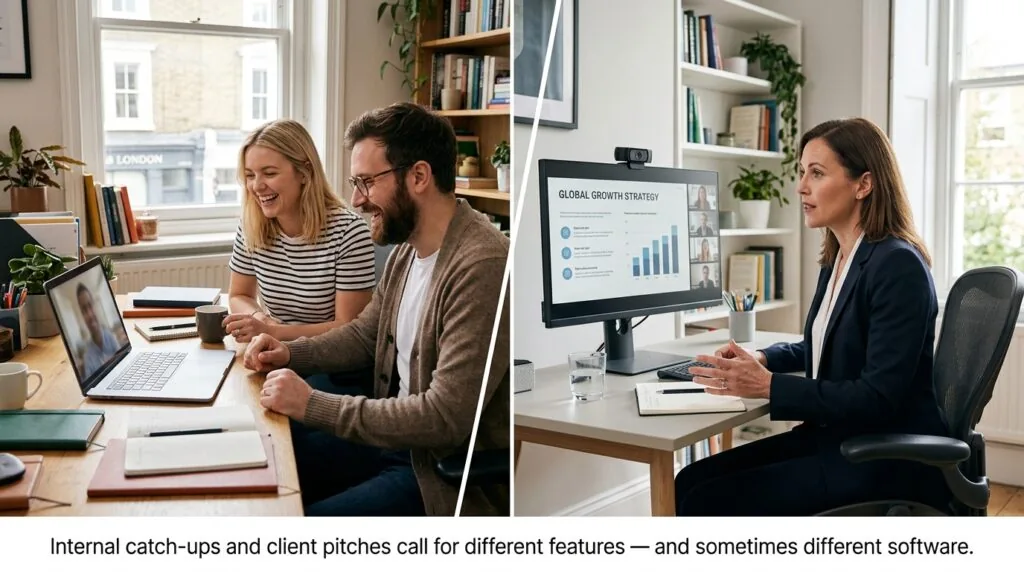
Hybrid working is no longer a pandemic-era workaround for UK small businesses — it’s the default. That shift changes what “good” video conferencing software actually looks like. A tool that works for a five-person internal team meeting is not automatically right for a business that pitches to clients every week.
Two questions decide almost everything:
- Who joins your calls? Internal team meetings can tolerate a login screen and a downloaded app. Client pitches and consultations cannot.
- How often do you need it? Occasional catch-ups suit a free tier. Daily client work justifies a paid plan with recording and longer time limits.
A creative agency pitching to high-value clients needs software that opens instantly in a browser, with no download friction that could cost a deal. A local retail business coordinating hybrid rota shifts between a shop floor and a home-based bookkeeper has a completely different problem — it needs reliable internal chat and screen sharing, not a polished client-facing lobby. Match the tool to the scenario, not the marketing page.
It’s also worth checking how well a shortlisted platform plays with the rest of your tech stack. If client calls feed straight into the CRM tools your business already relies on, a video platform with solid calendar and app integrations will save far more admin time than one with a longer feature list.
Best Video Conferencing Platforms for UK Small Businesses
1. Zoom One — Best All-Rounder for Ubiquity & Client Meetings
Zoom remains the platform most external contacts already recognise, which matters more than any feature comparison when you’re pitching to a client who has never heard of your business before.
- Best for: Client-facing businesses, consultants, and agencies that need dependable call quality and instant name recognition.
- Cost: Free Basic plan (40-minute cap on group calls, unlimited one-to-one); Pro from around £11.99 per host/month; Business from around £15.99 per host/month (minimum 10 hosts).
- Key UK benefit: Wide adoption means fewer “how do I join this?” emails from clients before a meeting.
- Pros: Strong screen sharing, breakout rooms, reliable call quality even on modest broadband.
- Cons: The free plan’s 40-minute group limit forces upgrades quickly once meetings involve more than two people.
2. Microsoft Teams — Best for Teams Embedded in the M365 Ecosystem
If your business already runs on Outlook, SharePoint, and Word, Teams removes an entire layer of app-switching. It’s rarely worth adopting Teams purely for video if you’re not already a Microsoft 365 user.
- Best for: SMEs already using Microsoft 365 for email and document collaboration.
- Cost: Teams Essentials from around £3.40/user/month; Microsoft 365 Business Basic from around £4.60/user/month; Business Standard from around £9.60–£10.30/user/month, which adds desktop Office apps and webinar hosting.
- Key UK benefit: One login and one invoice for email, files, chat, and video — useful for owners doing their own IT admin.
- Pros: Deep calendar integration, solid file co-authoring during calls, generous meeting length on paid tiers.
- Cons: External clients without a Microsoft account sometimes hit extra verification steps before joining.
3. Google Meet — Best for Lightweight, Browser-Native Simplicity
Meet’s biggest advantage is that it asks almost nothing of the person joining. There’s no software to install — just a link and a browser tab.
- Best for: Businesses already on Google Workspace, and anyone prioritising the simplest possible client join experience.
- Cost: Meet itself is free for anyone with a Google account; through Google Workspace, Business Starter runs from around £5.90/user/month (excl. VAT), Business Standard from around £11.80/user/month, and Business Plus from around £18.40/user/month.
- Key UK benefit: Browser-only joining removes the single biggest source of client friction — being asked to download an app for a 15-minute call.
- Pros: Fast to launch, tightly integrated with Google Calendar and Gmail, minimal learning curve.
- Cons: Fewer advanced host controls than Zoom or Teams on the free tier; recording and larger meeting caps require a paid Workspace plan.
4. RingCentral Video — Best for Scaling Businesses Needing Integrated VoIP
RingCentral is worth a look specifically because it bundles video with a genuine business phone system, which matters once a small business outgrows relying on personal mobiles for client calls.
- Best for: Growing SMEs that need video and a proper VoIP phone line under one bill.
- Cost: RingCentral Video Pro is free, supporting up to 100 participants; Video Pro+ runs from roughly £10–£11/user/month. The full RingEX bundle with VoIP calling runs from around £15–£30/user/month on an annual plan.
- Key UK benefit: Local UK numbers and unified messaging make it a practical Zoom-plus-phone-system alternative for businesses tired of juggling separate tools.
- Pros: Combines calling, video, and team chat; useful for businesses fielding a lot of inbound client calls.
- Cons: Pricing structure is more complex than a single flat plan, and full phone-system features cost meaningfully more than video-only competitors.
Businesses juggling several client calls a day often find the software itself is only half the problem — booking the slot is the other half. Pairing whichever platform you choose with one of the scheduling tools built for UK small businesses cuts down on the back-and-forth of finding a time that works for both sides.
5. Whereby — Best for Micro-Businesses & Solopreneurs Seeking Zero Downloads
Whereby was built around one idea: a meeting should be a link, not an installation. For sole traders doing quick client consultations, that’s the entire pitch.
- Best for: Solopreneurs, coaches, and micro-businesses running short, one-off client calls where minimising friction matters more than advanced features.
- Cost: Free plan for up to 100 participants (group calls capped at 45 minutes); Pro from roughly £5–£6/host/month (billed in USD, converted); Business from roughly £7–£8/host/month.
- Key UK benefit: No app download for guests, ever — ideal when a client is joining from a work laptop with restricted software installation permissions.
- Pros: Genuinely frictionless for guests, clean interface, custom branded meeting rooms on paid tiers.
- Cons: Fewer collaboration features than Teams or Zoom; less suited to larger internal team meetings.
Comparative Analysis: UK Plans, Costs, and Capacity
| Platform | Free Plan | Entry Paid Plan (approx.) | Group Meeting Cap (Free) | Best For |
|---|---|---|---|---|
| Zoom One | Yes | £11.99/host/month | 40 minutes | Client meetings, general use |
| Microsoft Teams | Yes | ~£3.40/user/month (Essentials) | 60 minutes | M365-based teams |
| Google Meet | Yes | ~£5.90/user/month (Workspace Starter) | 60 minutes | Browser-only simplicity |
| RingCentral Video | Yes | ~£10–£11/user/month (Pro+) | 24 hours | Businesses needing VoIP + video |
| Whereby | Yes | ~£5–£6/host/month (Pro) | 45 minutes | Solopreneurs, zero-download calls |
Prices are approximate, exclude VAT unless stated, and are based on annual billing where available. Always confirm current pricing directly with the provider before subscribing, as SaaS pricing changes frequently.
Essential Evaluation Criteria for UK Small Businesses
Data Protection and UK GDPR Compliance
UK GDPR compliance for video conferencing software means the platform processes participant data lawfully, stores it securely, and gives you a documented basis for that processing under the Data Protection Act 2018. Simply being told a platform is “secure” isn’t enough — you need to know how.
Three practical steps matter more than marketing claims:
- Check where data is hosted. Some providers store UK/EU customer data outside the UK, which triggers extra safeguards for international transfers.
- Sign a Data Processing Addendum (DPA). Every major provider offers one, but very few small businesses actually request and file it — and the ICO expects you to have this documentation on hand if asked.
- Confirm certifications. Look for ISO/IEC 27001 or SOC 2 Type II, which indicate independently audited security controls rather than self-reported claims.
It’s also worth knowing that UK data protection law itself is moving. The Data (Use and Access) Act 2025 amends the UK GDPR rather than replacing it, and several provisions — including a new statutory requirement for organisations to run a formal complaints process for data requests — are being phased in through 2026. This applies to small businesses too; there’s no exemption based on size. If your video conferencing provider handles recordings, transcripts, or chat logs containing customer data, that data falls within scope, and it’s worth reviewing your GDPR compliance tools alongside your video platform choice rather than treating them separately.
Local UK Dial-In and Bandwidth Requirements
Not every client wants to join by app or browser — some will dial in from a landline or a poor-signal mobile, especially older or less tech-confident clients. Zoom, Microsoft Teams, and RingCentral all offer local UK dial-in numbers on paid plans; Google Meet and Whereby’s dial-in options are more limited, so check this specifically if phone-based access matters to your client base.
On bandwidth, most platforms recommend at least 3–4 Mbps upload and download per participant for smooth HD video. Rural UK broadband can still fall short of this on group calls with cameras on, so it’s worth testing with cameras off as a fallback rather than assuming full HD is always achievable. This is also where a wider look at your cybersecurity setup for small business pays off — a stable, properly configured router matters as much as the software itself.
External Client Usability (Frictionless Joining)
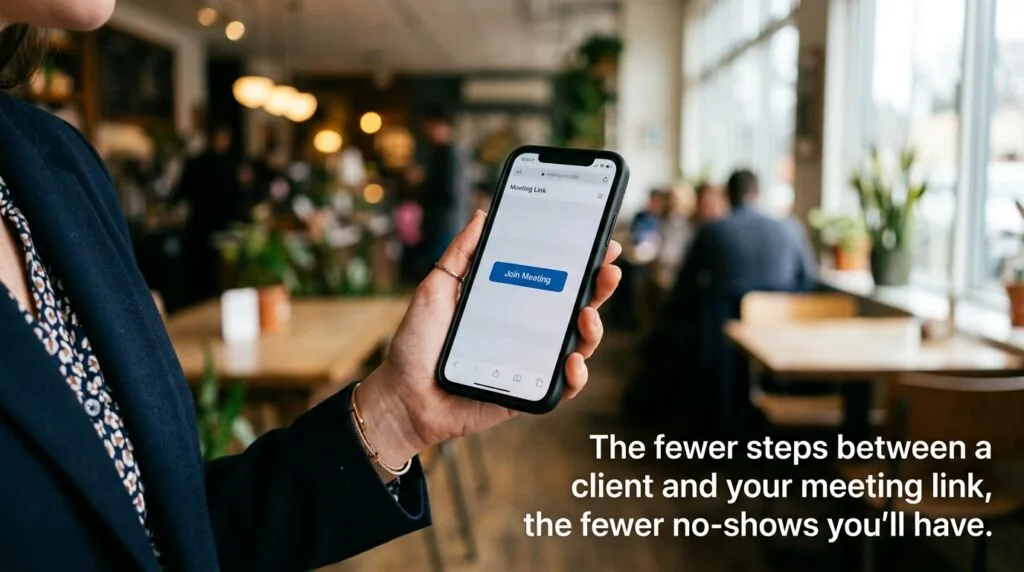
This is the criterion most competitor guides skip, and it’s often the one that decides whether a client shows up on time. A client asked to install a “thick” desktop application for a 15-minute consultation is a client who might just cancel instead. Browser-first platforms — Google Meet and Whereby in particular — remove that barrier entirely. Zoom and Teams both offer browser-join options too, but they’re not always the default path shown to guests, so it’s worth testing the exact link format you’ll actually send before relying on it for a high-value pitch.
Hardware Considerations for Hybrid UK Workspaces
Software choice only gets you halfway. A few practical upgrades noticeably improve call quality for UK small businesses splitting time between home and office:
- A USB webcam if you’re using a laptop lid-mounted camera in low light — most built-in cameras struggle in typical UK winter daylight.
- A wired headset with a noise-cancelling mic, especially for anyone taking client calls from a shared home space.
- A mesh Wi-Fi system or wired ethernet connection for anyone regularly hosting group calls, since Wi-Fi congestion is a common cause of dropped video in shared houses and older UK properties.
- A second monitor, so screen sharing during a client call doesn’t mean losing sight of your notes.
None of this needs to be expensive. A decent USB webcam and headset combined typically costs under £80, which is a reasonable one-off spend against the cost of a client call dropping mid-pitch.
Two other habits are worth building alongside the hardware. First, stop relying on scattered handwritten notes during client calls — one of the note-taking apps built for UK small business meetings will keep action points in one searchable place. Second, for sharing recordings or deliverables after a call, use a proper file-sharing tool rather than emailing large attachments back and forth.
Frequently Asked Questions (FAQs)
Is a free video conferencing plan sufficient for a UK startup?
For occasional one-to-one calls, yes. Every major platform covered here offers unlimited one-to-one meetings for free. Group calls are where free plans fall short — most cap sessions between 40 and 60 minutes, which is tight for a full client workshop or team meeting. If group calls happen more than once a week, a paid plan usually pays for itself in saved time and fewer awkward mid-call reconnections.
How does UK GDPR affect my choice of video calling software?
UK GDPR requires you to know where your meeting data is stored, have a signed Data Processing Addendum with your provider, and be able to explain your lawful basis for recording or storing call data. It doesn’t ban any specific platform, but it does mean checking a provider’s data residency and security certifications before signing up, rather than assuming “big brand” automatically means “compliant.” The Data (Use and Access) Act 2025 has also introduced new complaint-handling obligations that apply regardless of business size.
Do my clients need to download an app to join my meetings?
Not with most platforms if you use the browser-join link rather than the auto-prompted app download. Google Meet and Whereby default to browser joining. Zoom and Microsoft Teams technically support browser joining too, but often nudge guests toward downloading the desktop app first — so it’s worth sending the direct browser link if you know a client is joining from a locked-down work device.