
| Tool | Best For | Key UK Integration | Starting Price |
|---|---|---|---|
| Calendly | Consultants, agencies, remote teams | Zoom, Microsoft Teams, Stripe | Free tier; paid plans from around £10/month, billed in USD |
| TidyCal | Sole traders on a tight budget | Stripe, PayPal | One-off lifetime fee, roughly £23 |
| Square Appointments | Salons, retail, in-person card payments | Square card reader, Xero | Free for one user; multi-staff plans from around £29/month |
| Setmore | Small teams of up to four staff | Google Calendar, Stripe, PayPal | Free tier; paid plans from around £8/month |
| SimplyBook.me | Custom intake forms and compliance-heavy bookings | Stripe, PayPal, custom client fields | Free for one user; paid plans from around £8.25/month |
Prices and features change often, so treat the figures above as a starting point and confirm current rates on each provider’s site before you commit.
The Three Pillars of a Solid UK Booking System
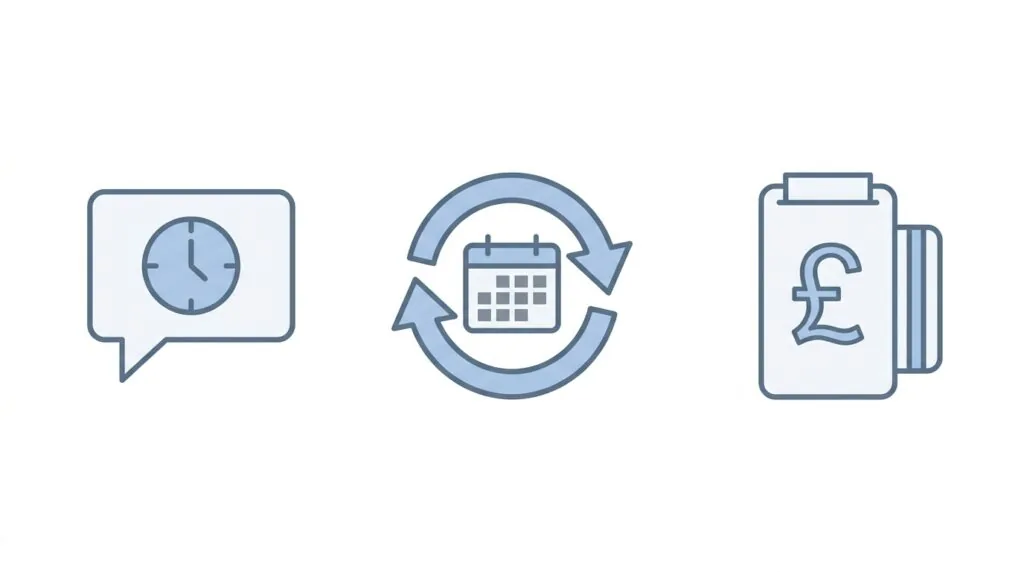
Three features separate a booking tool that actually saves you time from one that just moves the admin online.
Automated SMS reminders. Email reminders get ignored. Text reminders get read within minutes, and they’re the single biggest lever for cutting no-shows, with some providers reporting reductions of up to 88% once automated texts are switched on.
Two-way calendar sync. If your booking tool only writes to your calendar and doesn’t read from it, you will get double-booked the first time you add a personal appointment or a supplier call. Proper two-way sync with Google Calendar, Outlook, or Apple Calendar checks your real availability before it lets anyone book.
Native GBP payment gateways. Taking a deposit at the point of booking is what actually stops a no-show, because most people won’t skip an appointment they’ve already paid for. Look for direct Stripe, Square, or PayPal support that settles in pounds, rather than a workaround that converts currency on every transaction.
The Top Booking Systems for UK Small Businesses Reviewed
1. Calendly: Best for Consultants, Agencies and Remote Teams
Calendly is built for one-to-one and one-to-many meetings, not walk-in trade. If your business runs on video calls, discovery sessions, or client consultations, it’s the fastest tool to set up. It connects directly to Zoom and Microsoft Teams, so a booking automatically generates a meeting link with no extra steps. It also plugs into most virtual meeting tools UK service businesses already use.
The catch: Calendly bills in US dollars. Your monthly charge will move slightly with the exchange rate, and your card provider may add a foreign transaction fee on top. For sole traders billing a handful of clients a month, that’s a minor cost. For agencies running several paid seats, it adds up.
2. TidyCal: Best Budget Pick for Sole Traders
TidyCal is best known for its one-time lifetime deal, historically sold through AppSumo for around £23, instead of an ongoing monthly subscription. For a self-employed tradesperson or freelancer who just needs clients to pick a free slot and pay a deposit through Stripe or PayPal, it does the job without adding another recurring cost to a tight budget. It’s lighter on features than the others here, with no advanced staff rotas or custom intake forms, but for a one-person operation that’s rarely a problem.
3. Square Appointments: Best for Salons and In-Person Card Payments
Square Appointments is built for businesses where the booking and the payment happen in the same room. It links your online booking page directly to a physical Square card reader, so a client who books online and one who walks in both end up in the same till record. That matters at tax time, and it also feeds cleanly into your accounting and invoicing records.
It handles multi-staff calendars well, which makes it a strong fit for salons, barbershops, and small clinics. The free plan works for a solo operator, but pricing steps up noticeably once you add a second or third member of staff, so check the per-seat cost before you scale your team.
4. Setmore: Best Free Choice for Small Teams up to Four
Setmore’s free tier is genuinely usable, not a stripped-down trial. It supports up to four staff members, syncs with Google Calendar, and takes payments through Stripe or PayPal, all without a card on file. That makes it a sensible starting point if you’re hiring your first employee and want the whole team on one shared booking calendar before you commit to a paid plan.
The limitation shows up once you outgrow four staff or want deeper customisation. At that point you’re comparing Setmore’s paid tiers against Square Appointments or SimplyBook.me on cost rather than on features.
5. SimplyBook.me: Best for Custom Intake Forms and Compliance-Heavy Bookings
SimplyBook.me earns its place through customisation. You can build client intake questionnaires, which matters for businesses that legally need information before an appointment, such as a skin patch test result before a salon treatment or a medical history form before a therapy session. It also supports custom fields, class bookings, and group sessions more flexibly than the others on this list.
That flexibility comes with a steeper learning curve. Expect to spend more time in the settings menu during setup than you would with Setmore or TidyCal.
The UK Reality Check: Essential Considerations Before Buying
Financial Admin: Syncing Bookings with Xero and QuickBooks
Square Appointments and SimplyBook.me both connect directly to Xero, and several tools on this list integrate with QuickBooks UK through Zapier if there’s no native connection. A direct sync pushes each paid booking into your accounting software as a transaction automatically, which removes a manual reconciliation step at the end of each month and supports your Making Tax Digital record-keeping. If your booking tool has no accounting integration at all, budget time each week to log payments manually, or connect the two through Zapier.
The USD Billing Reality Check
Calendly and TidyCal both price their standard plans in US dollars. This isn’t disclosed clearly at checkout on every provider’s site, and it catches UK buyers out in two ways. First, your monthly or annual charge shifts with the exchange rate, so the £/month figure you budgeted for in January may not match what leaves your account in June. Second, some UK card providers apply a foreign transaction fee, typically around 2-3%, on top of the converted price. Before you commit to an annual plan billed in dollars, check your card provider’s foreign transaction policy.
Data Protection and GDPR
A booking form collects a client’s name, phone number, email, and sometimes payment details, which makes it personal data under UK GDPR the moment a client submits it. If your business also captures anything sensitive, such as a health form before a treatment, you’re handling special category data, which carries stricter rules on consent and storage. Check where each provider actually hosts client data, whether it offers a data processing agreement, and how easily you can delete a client’s record if they ask you to. Pairing your booking tool with dedicated GDPR compliance tools closes most of the gap, and it’s worth reviewing your wider cybersecurity setup at the same time, since client data is often the most sensitive information a small business holds.
The Mobile Service Challenge: Routing and Geography
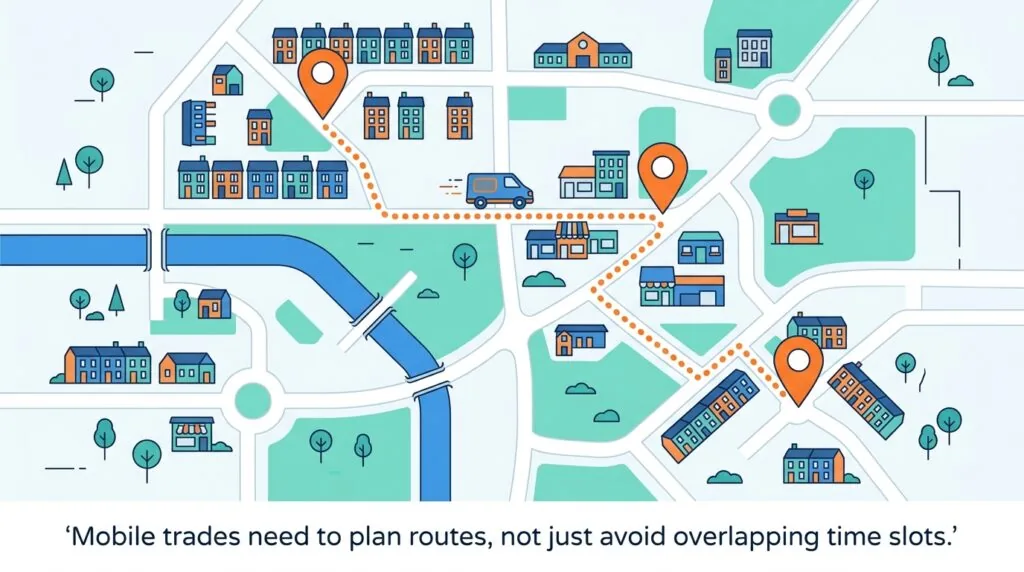
Most booking software assumes clients come to you, or that a meeting happens over video. That assumption breaks down for mobile dog groomers, mobile beauty therapists, and tradespeople who travel between jobs. If a client in one postcode books a 9am slot and another books 9:30am on the other side of town, the software has technically avoided a double-booking, but the schedule is still impossible to keep.
None of the five tools reviewed here solve this natively with true geofenced routing. The practical workaround is to block out travel-time buffers manually between slots, or to group your available booking windows by area and day, for example offering only one postcode zone per morning. SimplyBook.me’s custom fields let you capture a client’s address at booking, which at least gives you the information to plan a sensible route, even if the software won’t build the route for you.
Summary: Which Booking System Fits Your Stage?
- Just starting out, no staff: TidyCal or Setmore’s free tier. Low cost, simple setup, enough features to get your first bookings online.
- Building a client base, one to one meetings: Calendly, especially if most appointments are video calls or consultations.
- Taking payments in person: Square Appointments, for the direct link between online booking and your card reader.
- Scaling with staff or compliance needs: SimplyBook.me for custom intake forms, or Square Appointments once you’ve confirmed the per-seat pricing works at your team size.
Frequently Asked Questions (FAQ)
What is the best free booking system for a UK small business?
Setmore offers the most usable free tier, supporting up to four staff members with Google Calendar sync and Stripe or PayPal payments included at no cost.
How do I link my scheduling software to Xero?
Square Appointments and SimplyBook.me both offer a direct Xero integration in their settings. For tools without a native connection, use Zapier to automatically push paid bookings into Xero as transactions.
Can I take deposits through Calendly in the UK?
Yes. Calendly connects to Stripe, which lets you charge a deposit or the full fee at the point of booking. The subscription itself bills in USD, but Stripe payments from your UK clients still settle in GBP.
How do I prevent clients from booking back-to-back if I have to drive to them?
Add manual buffer times between appointment slots to account for travel, or restrict bookings by postcode area and day using custom fields in a tool like SimplyBook.me. None of the mainstream UK booking tools currently automate travel-time routing.
Which booking system charges the lowest transaction fees in the UK?
Transaction fees depend on your payment processor rather than the booking software itself. Stripe and Square both typically charge around 1.75% per UK card transaction, so the fee is broadly similar whichever booking tool you connect them to.
Is there a truly free UK booking app that doesn’t limit appointments?
Setmore’s free plan doesn’t cap the number of bookings, though it does limit you to four staff members and a smaller set of features than its paid tiers.
Can I use Google Calendar’s built-in tool for bookings?
Google Calendar’s Appointment Schedules feature works for basic one-to-one bookings and is genuinely free, but it lacks SMS reminders, deposit collection, and multi-staff rotas, which limits it to the simplest use cases.